Optimizing Images On-the-Go: Mobile Photography Editing Guide


Introduction

As the title suggests, I will describe my workflow when out and about. While there are surely other ways to do it, this is my method. It works and has stood the test of time. I usually wander around taking photos, then find a café to sit down and transfer my images to my phone. Everything is better with a nice cup of tea (or coffee) and a piece of cake.

Downloading Photos to Your Phone

Most cameras today can connect to phones via Bluetooth or Wi-Fi. My two Fujis (X100F and XT2) and my Canon (6D Mark II) certainly can. I enable Wi-Fi on my camera and connect it directly to my phone. Next, I open the corresponding app—Canon Camera Connect for my Canon and Fujifilm Camera Remote for my Fujis. Each manufacturer provides its own app for Android or Apple devices. Once the camera is connected to my phone, I can import my photographs, selecting the images I prefer.

Sorting Photos

Now comes the fun bit: sorting through all those wonderful shots you took and deciding which ones are worth working on and editing. When I transfer my images from my camera to my phone, the phone creates a folder for the imported photos. Different apps will put them in different places, so I’ll leave that to you to manage. As a rule of thumb, you will see them in the gallery app, which will show you your latest photos.

In the gallery app, you can sort your photos by date taken, favourite images, or the place where the photo was taken.

I will assume you have read my last few articles on Photography 101, composition, and the types of lenses available and how to use them, or at least how I use them. If you haven’t had that pleasure, then go and have a read…

Is the photo worthy of publication, and are you happy with it representing your talent as a photographer? Is the image in focus? Is the image well exposed? Does it fulfil its storytelling role? Will it add to your narrative? Or simply, do you like it enough to want to share it?

Let’s assume that you answered yes. You then get to share your image to Snapseed.

Editing in Snapseed

Starting with Styles:

I like to begin by using the “Portrait” style. It is a preset that gives the photo a subtle glow and some vignette. I just seem to like it, and when you have something you like that flatters your image, you are tempted to stick with it. Most times, this will work a treat on well-exposed images. But let’s imagine that you have exposed for the highlights and that your shadows are “too dark” and you want to bring them up a bit. Then I would go to the “Tools” section and use the Tune Image.

En aparté:

When exposing in digital photography, we expose for the highlights, as it is easy to lighten, or “bring up” the shadows, and we don’t want to “blow out” our highlights and just turn it into a mass of white. In film photography, it’s the opposite. We expose for the shadows, as film has more difficulties capturing details in the shadows especially in a photo with lots of light.

Using the Tools

As I inferred in the title, this is my workflow, and shows the way I use Snapseed. There’s a whole load of tools to stylise your image and to completely change the look of it, but I’m more of a “less is more” disciple when editing. Also most apps out there will have similar tools, so you can carry this knowledge with you across the board.

Crop Tool:

One thing I learnt early one is to KISS, i.e. Keep it simple stupid. Sometimes I will have an element in my photo that distracts from my subject. With the crop tool I can just crop the image and make it disappear. I can also use the crop tool to format the image to fit certain social media post settings. I’m thinking about you Instagram and Facebook. Try searching google for social medi formats and you will be inundated with results.

Healing Tool:

Sometimes the crop isn’t enough to take away distracting elements from our photo. You might have a beautiful shy and want to get rid of that Jumbo Jet in the sky. One way of doing that is to wait until the Jumbo Jet has flown away, but let’s say that it’s too late… Using the healing tool will clone part of the image and replace the Jumbo Jet that just wants to noticed and validated man! To get the best results it’s better to zoom into the image and have a smaller area to work on.

Tune Image:

This is where I do the basic edits, bringing up the shadows or bringing down the highlights. I usually keep it to that. At a push, I will bring up the brightness if the photo has been underexposed. Somtimes I will add a little contrast but I tend not to use the other tools. I don’t want to denautre the photograph.

Rotate Tool:

We should always try and keep our horizons straight, except when making the conscious decision not to. The rotation tool tries to straighten what it thinks should be straight. It generally works quite well, but you do have total control as well as a grid to check the lines in your photo.

Brush Tool:

This is where we can do our burning and dodging. You can choose to highlight a certain area and darken others to emphasise your subject. This brings the photo to life. There are tutorials galore on YouTube that go into more detail than I will in this “basics” article.

Black and White Tool:

Welcome to the world of black and white conversion. It’s a process that a majority of my photography goes through. You can, of course, just use the saturation tool in the “Tune Image” section, and you will get a monochrome image. But you can do so much more.

So, let’s do so much more. The black and white tool offers you some presets which might correspond to your taste. I tend to leave them alone and instead press on the circle that will give a series of colour filters to choose from. This is a direct link back to black and white film photography, and you know how much I love that. I love using the red filter, which, as in film photography, will make your blues darker. This is beautiful for those landscape photos where you want a dark sky to complement those fluffy white clouds.  It’s also my default film simulation on the X100F that I use for all my street photography.  It’s just a look that I fell in love with years ago.
The other common filters are all covered too.

  • Orange:  Orange filters give stronger effects than  yellow filters but are not as bold and dramatic as a red. It is therefore an ideal choice to span the effects given by both these filters.  Blue skies will be recorded in very dark tones on the print, giving bold contrast between the sky and clouds. An orange filter will also penetrate haze and fog. Most flowers will be recorded with a significant difference in tone from the surrounding foliage giving impact and effect.
  • Yellow, the general purpose black and white filter,
  • Green:  When photographing foliage in black and white, a green filter is used almost exclusively.  It lightens green foliage, which is particularly important with dark green leaves which can record very dark without a filter. It therefore gives a more natural, lighter feel to the photograph.
  • Blue: A blue filter is not often associated with black & white photography however, it can really add “mood” to a photograph by increasing the effect of haze or fog.  It also lightens blues and darkens yellows, oranges and reds which helps separation in scenes containing a mix of colours.

Export

You have two options.  You can either press on “done” and Snapseed will record your image in the Snapseed folder and in your gallery in the Album neamed Snapseed, or you you can press “share “and you will be presented with various options on how to share your image, to Instagram, via gmail etc.

Before you do that you can press on settings where you can change the resolution of the image that will be exported.  This can help if you need to reduce the image to take up less space on your phone, or if you’re loading the photo up to a website and you require a “lighter” image.

Conclusion

You now have an idea about how I edit my images on the go, and the more time goes on, the more I do it this way.  Is it the same as Lightroom on my computer?  No.  I can’t have as much control as in Lightroom. I can’t batch edit, I can’t do this or that, but I can manage without, especially on the go.  There are of course other options for photo editing on the go like Lightroom mobile,VSCO, your native photo editor app on your phone.  As I said at the beginning of the article this is how “I” do things.  It works for me.  Try it out and it might just work for you too!
Instagram’s Double-Edged Legacy: A Photographer’s Perspective


In October 2010, Kevin Systrom and Mike Krieger unleashed Instagram upon the world. With its intuitive interface and playful filters, the app revolutionised how we share photos, ushering in a new era of mobile photography. However, over time, Instagram’s trajectory has shifted dramatically, raising questions about its impact on photography, the rise of influencers, and its changing priorities. This article delves into Instagram’s complex legacy, exploring its transformative yet increasingly problematic role in modern photography.

The Rise and Fall of Photography on Instagram

In its early days, Instagram democratised photography, empowering everyday users to become amateur photographers. The app’s filters and nostalgic aesthetic resonated with users, transforming personal snapshots into artistic expressions shared with a global audience. This initial period fostered a vibrant community of photographers who connected, shared their work, and even launched careers. However, Instagram’s algorithm, initially chronological, evolved into a complex beast driven by engagement metrics. This shift, combined with the rise of influencers and the platform’s increasing emphasis on video content, has had a detrimental impact on photography.

The Instagram Algorithm: A Photographer’s Nemesis

The algorithm, shrouded in secrecy, prioritises content that generates the most likes, comments, and shares. This has led to a homogenisation of aesthetics, favouring trends and viral content over unique artistic expression. Photographers feel pressured to conform to popular styles and create content that caters to the algorithm’s whims rather than their own creative vision. Moreover, the algorithm’s preference for short-form videos, like Reels, has further marginalised photography. Photos are often buried in favour of videos, making it increasingly difficult for photographers to gain visibility and reach a wider audience. This shift has raised concerns about the devaluation of photography as an art form and the platform’s changing priorities.

The Influencer Paradox: Celebrity Without Substance

Instagram’s influencer culture, where individuals gain fame and fortune through their follower count rather than their talent or skill, has further exacerbated the problem. Many influencers prioritise self-promotion and brand endorsements over genuine artistic expression, perpetuating a cycle of superficiality and instant gratification. This culture has also created unrealistic expectations and fuelled unhealthy comparisons among users, including photographers. The pressure to maintain a perfect online persona and constantly chase likes and followers can lead to anxiety, depression, and a loss of creative autonomy.

The Future of Instagram: A Photographer’s Dilemma

As Instagram continues to prioritise short-form video content and cater to influencer culture, photographers face a difficult choice. They can either adapt to the platform’s changing landscape by creating more videos and conforming to popular trends, or they can seek out alternative platforms that prioritise photography and genuine artistic expression. The latter option, while challenging, may be more fulfilling for photographers who value their craft and refuse to compromise their artistic integrity. By exploring alternative platforms and building communities outside of Instagram, photographers can regain control of their work and connect with audiences who appreciate their unique vision.

An Alternative?

While Instagram’s focus shifts away from photography, several alternative platforms offer havens for photographers to showcase their work, connect with like-minded individuals, and foster a supportive community. VERO, for example, boasts a chronological feed, an ad-free environment, and features tailored to visual artists. 500px provides a dedicated space for professional and amateur photographers to share high-quality images, participate in contests, and even sell their work. Glass is another emerging platform designed specifically for photographers, offering a clean interface, curated collections, and a focus on long-form visual storytelling. Ello, known for its artist-centric approach, provides a space for creative expression without the pressure of algorithms or ads. These are just a few examples of the many platforms available that prioritise photography and offer a refreshing alternative to Instagram’s increasingly commercialised environment.

Conclusion: Reclaiming Photography

Instagram’s legacy in the realm of photography is undeniably complex. While it initially empowered photographers and fostered a vibrant community, its current trajectory raises serious concerns about the future of photography on the platform. Photographers must recognise that Instagram is no longer primarily a platform for photography. It has become a commercialised space dominated by short-form videos and influencer culture. To protect their artistic integrity and find meaningful engagement, photographers need to explore alternative platforms, diversify their content, and most importantly, create work that speaks to their own unique vision rather than chasing the elusive validation of the Instagram algorithm.

Facebook went down on me!


Hello Dear Reader, maybe you don’t know what Facebook is, or Instagram, or WhatsApp, but yesterday they went down on the entire world, but not in a sexy way. Facebook is the Face of Social Media, Instagram is the camera of Social Media, and WhatsApp is where we tell everyone what we are doing by private message.  Twitter was where we were all taking the piss out of the aforementioned Social Media outlets last night.

This is a big thing in an ultra-connected world.  At work I listen to the Jeremy Vine show on BBC Radio 2, and they spent 30 minutes talking about it.  It has featured on all the news bulletins that I have heard today.  This is a big thing!  So many of us have mobile phones, and I’m not talking about the indestructible Nokia phones, whose batteries are still working.   I’m talking about “smartphones” that are so smart that they have degrees in smartness from Smarty-pants University.  They are capable of so much more than the computers that sent men to the moon, and they fit into your pocket! 

Some people with depression and social anxiety called in to say how they depend on Social Media to have a manageable contact with the outside world, others who use it to advertise their small businesses to those of us scrolling through, and others of us who are addicted and can’t put our phones down, because of the dreaded FOMO, or fear of missing out.

Whilst at work, my mind can wander, and something that comes back regularly is the desire to go back to my prep-school and tell them what the world is like in 2021, or forty years from now.  Some of my masters were WW2 veterans, others were baby boomers, and some of them weren’t actually that mad, despite appearances.  I remember one Maths lesson where the teacher told us to find arithmetic patterns in our times tables.  I got three and had to find the pattern.  My first algorithm.  Now these algorithms are omnipresent and artificial intelligence is using them and running the world, especially on these platforms.  Think back to Brexit, or the 2016 American elections. 

Smug people came onto the programme saying how we had lost the power of conversation, or how come people just don’t pick up the phone.  Some talked about the wake-up call.  Others were talking about Gen Z, who have lost the power of communication.  However, there is nuance everywhere, which is something these platforms like us to forget.  I see people like my daughter, who is always on her phone, but she is conversing and communicating non-stop with her friends at school or a version of her tribe.  My son does the same thing.  They communicate differently.  I often wonder what my First Form Master, Fr Gerald, would make of it all.  Now we use emoticons to reply to some of our messages.  Have we gone back to using hieroglyphs?  Is that a problem?  They say a picture can be worth a thousand words. 

How did I manage?  Not too badly.  To begin with, I was worried that my Internet might not be working. But I soon found out what was happening.  It wasn’t much of a hinderance.  I still had my music on Amazon Music, and I was scanning negatives for my son.  They were from 2016, and he shocked to see how he looked just 5 years ago.  I think he used the word cringe.  I missed putting them on Facebook to share them with the rest of my French family.  Maybe Facebook has its uses after all, and shouldn’t the rule be able about moderation?  Use it by all means, but don’t let it become your master.  I’m still glad that they’re online again…

Friends and Social


Social Media is a thing. It exists. Some hate it, others love it, some are simply addicted. It is in its essence very much much like the internet. It is a tool. It is the perfect reflection of humanity. Of all that is bad about humanity with trolling, bullying, abuse, etc, but it also a reflection of all that is good, offering information, a source for learning, a tool used to raise awareness, or money for various good causes. Social media allows us to connect in a way that was impossible when I was a child, and even as a young man.

With Facebook, I can keep in touch with family back home, exchanging news and photos. I can keep in touch with people that I knew 30 years ago at school. I have made friends online and have even met some in real life.

The other Saturday was one such occasion. Those who don’t know me might not realise that I am half English, half Irish, living in France since 1994. When I arrived I was immersed in my wife’s French family life and didn’t really get into the Expat thing. As time has gone on, I have changed and really appreciate the support that fellow immigrants from the mother country, or Empire, can give you. This has been centred around the John McByrne Irish Pub in Nantes. However Instagram has introduced me to people in Nantes, and allows me to talk to people about photography and won’t fall asleep in the first five seconds…

Whilst on Instagram I started following a guy from South Africa and his family who life a little further south in the Vendée. We would chat and I would follow how the renovations in their French house were going. I am in admiration of somebody who can do that, as experience and a smidgen of wisdom, has shown me to be totally incompetent in this domain. I have sufficient insight to realise when I should leave something to the experts.

Anyway, we chatted and everything, and then one day they say that they are going up to Nantes to visit one of the museums and I suggested immediately that we meet up, and that I would probably be in town anyway.

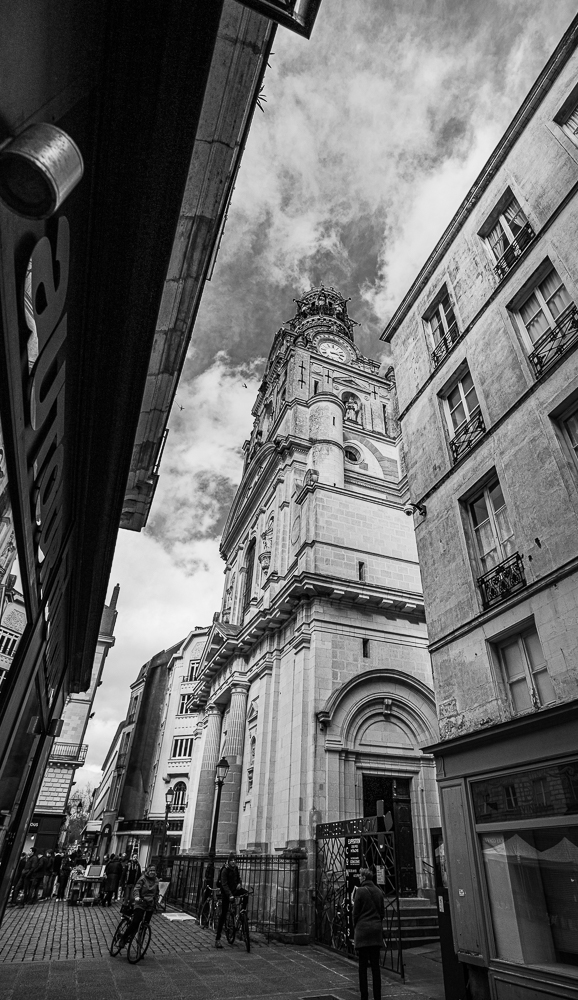
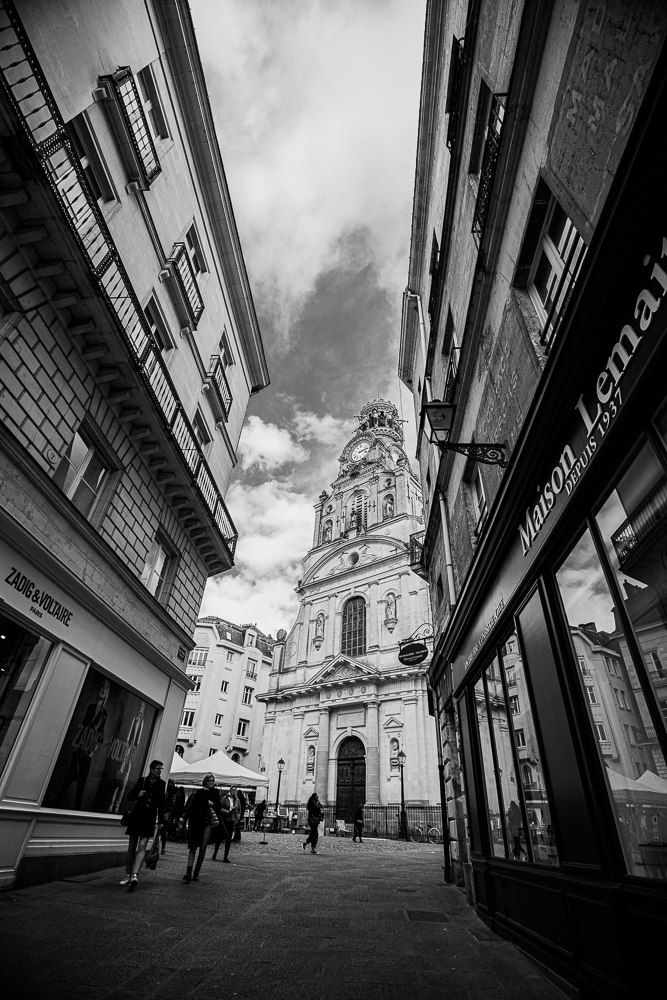
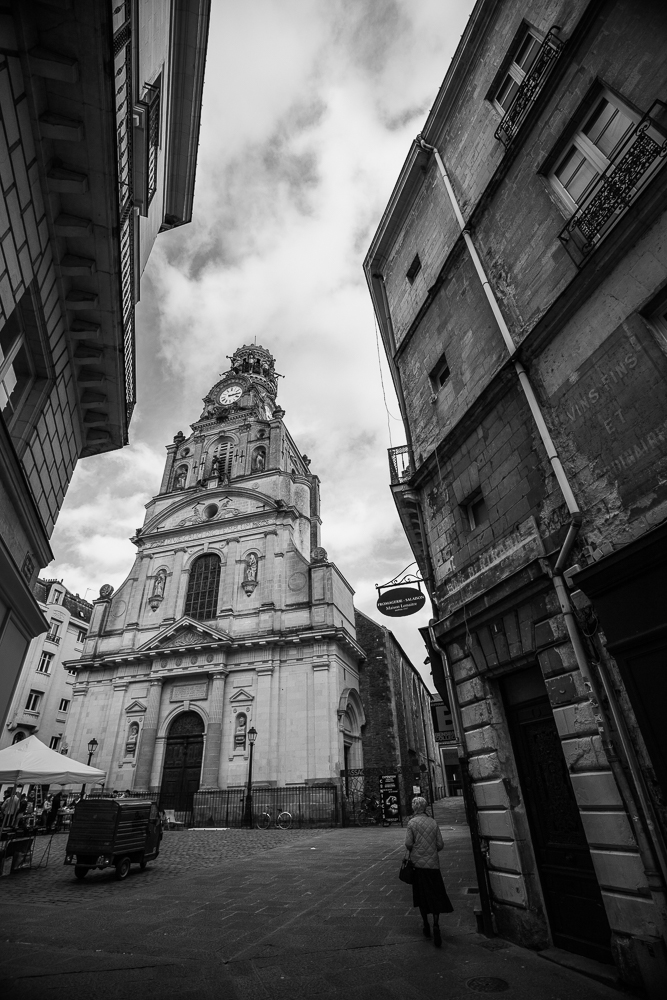
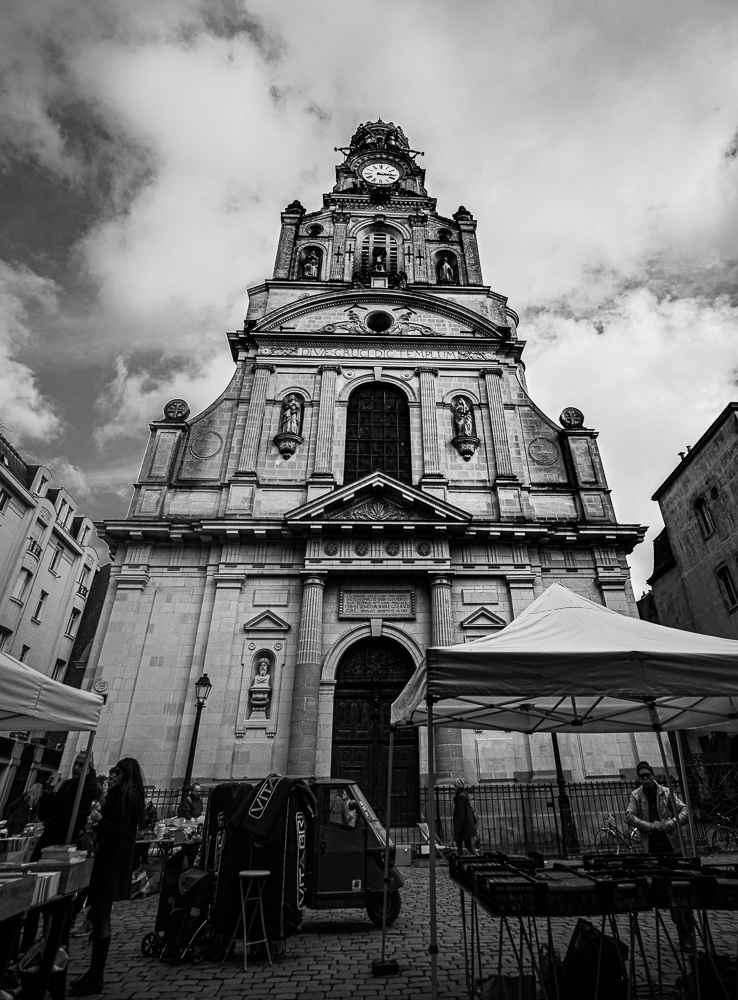
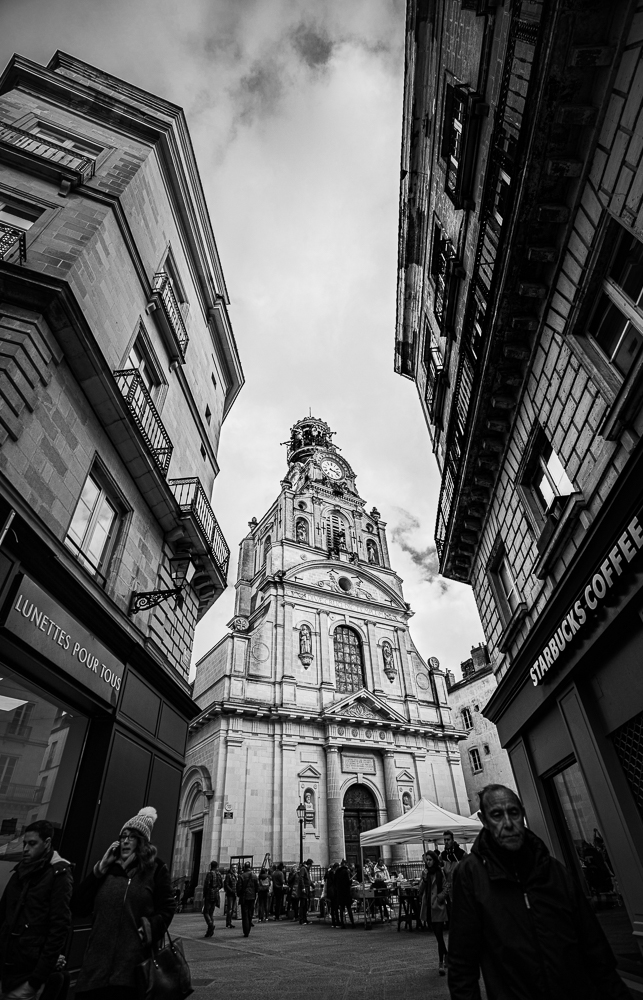
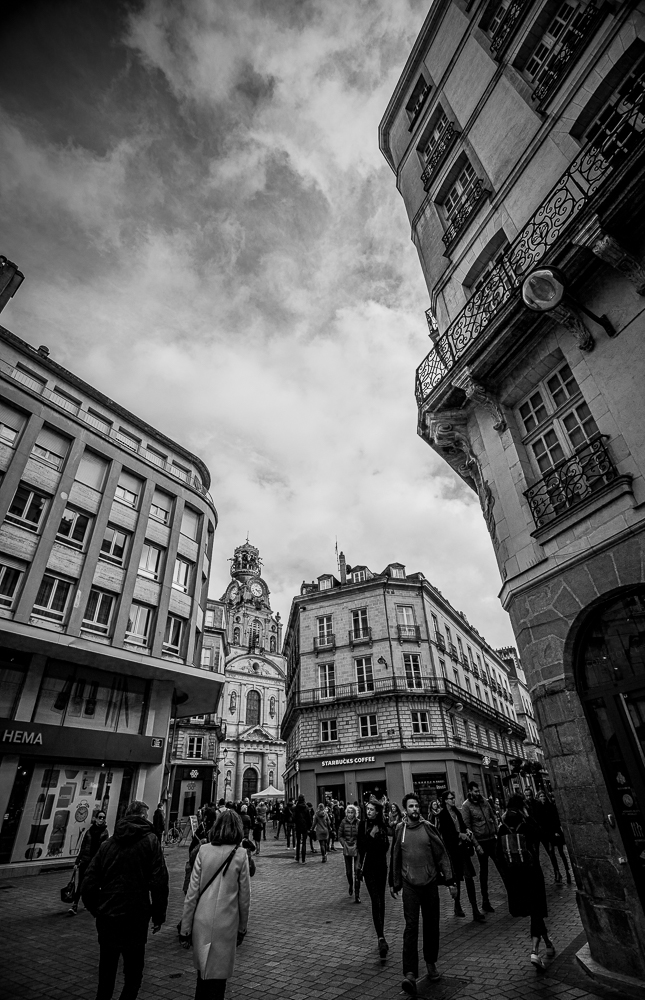
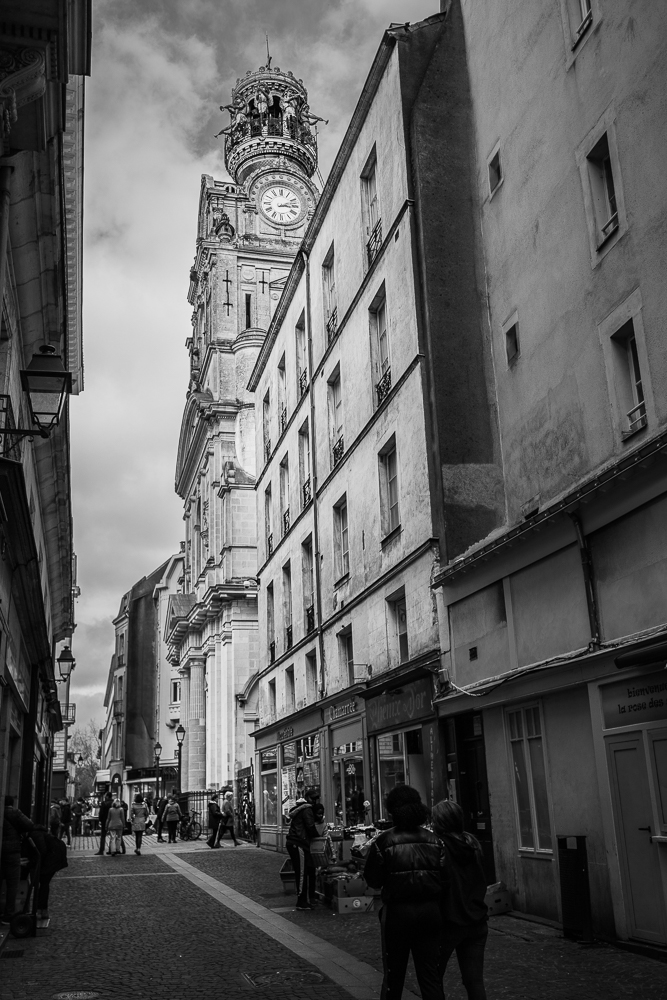
As is turned out I was. We exchanged numbers and whilst I was waiting for them I was next to the Sainte Croix church, and thought what a good idea it might be to take a couple of photos. Strangely enough (irony) I had my camera with me. Canon 6D Mark ii, with the 16-35mm lens. I know that with this setup I can usually get a few keepers that allow me to capture Nantes in a way that you don’t see everyday.

They arrived and I offered to show them the pub. You never know when it might come in handy. We ordered our drinks and talked some more. About our different experiences in work, with the children, with schools etc. Then the match began. Wales vs France in the Six Nations.

They talked about wanting to see the Castle in Nantes, and oh what a surprise, it wasn’t too far away from the pub. We walked there, walked up onto the battlements, and walked right the way round. By then the children were hungry, so I offered to introduce them to PitaPit and they loved it.

We parted ways and wished eachother good luck getting home. It was a good day!