Hello lovely people. I know it’s been a couple of weeks since I shared any photography—nothing for your perusal, your viewing pleasure, your delectation—but fear not: I’m still alive and almost kicking.
Life has been happening, as it tends to do. But I have been busy behind the lens, and I’ve got photos from left, right, and even centre. Lourdes. The mountains. The wild coast of Brittany. There was even a family photoshoot for my mother-in-law and two of her daughters. All with stories attached, of course. I just need the time to edit the images and write them up properly for you.
Recent Life & Travel Updates
So what’s new in my world?
Well, my son has moved into his own place with a mate—which is both a proud and surreal moment for a parent. As for me, I managed to burst two tyres on my car by accidentally driving up onto a particularly cruel bit of pavement. I was properly disgusted with myself.
Thankfully, the garage reassured me that I wasn’t a rubbish driver—that stretch of pavement had claimed more than a few victims. Apparently, I’m just one in a long line.
I’m now looking into getting a different car for my upcoming summer trip to the UK. That, and I’ve been eyeing drones—yes, partially because a mate has one, but also because the cinematic potential is just too good to ignore.
Dipping Into Video & Drone Photography
Lately, I’ve been making short training films for work, which has nudged me into exploring video for myself. It’s been a learning curve, but I’m enjoying it. Drone footage, in particular, would give my personal video projects that sweeping, cinematic feel everyone seems to be chasing right now.
It’s exciting to try new creative tools—it stretches the eye and challenges how I think about framing, movement, and story.
Favourite Photography Gear Right Now
If you’re curious about the gear I’ve been reaching for lately, here’s what’s been in my rotation:
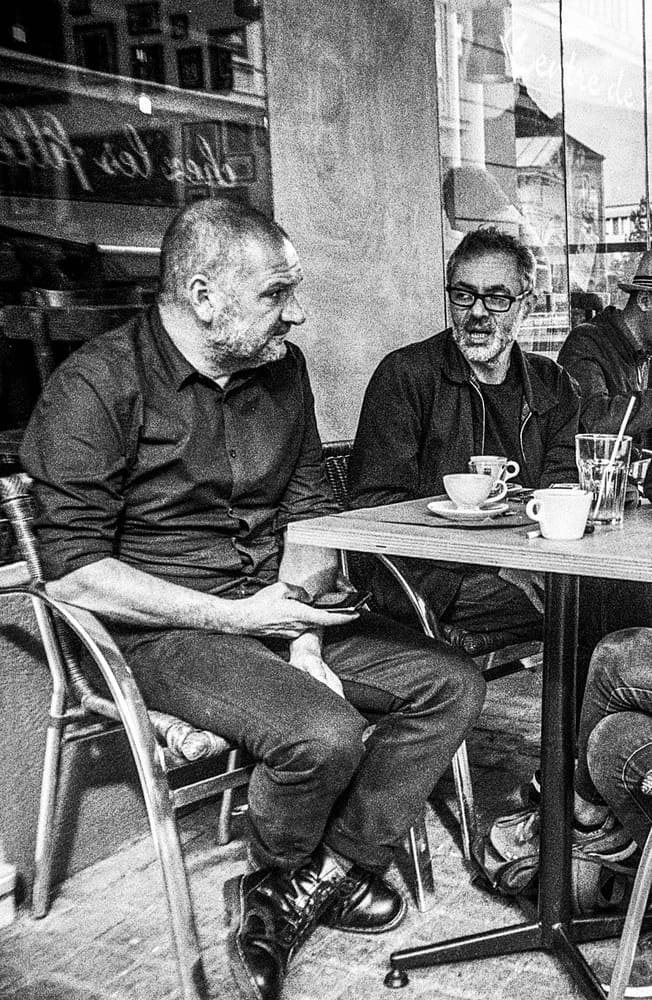
Fuji X100F with the 23mm f/2.0 (35mm equivalent) – perfect for mindful black and white street work.
Canon 6D Mark II with the 16–35mm f/4.0 – excellent for dramatic landscapes and travel shots.
Fuji XT-2 with the 18–55mm f/2.8–4.0 – a solid choice for work-related video filming.
And yes—I’m still working in both black and white and colour. I love both approaches, but when I shoot black and white, I try to do so deliberately, not just as an afterthought in post. The choice of tone affects everything—the light I look for, the lens I pick, even the timing of the shutter.
What’s Next: Photo Editing, Writing & More
Music is winding down for the season after some fantastic concerts. Meanwhile, the world rolls on—there’s a new Pope I quite like, and it seems Donald and Elon are in a bit of a spat again (but let’s not get into that).
As for me, I’m getting back to editing, writing, and creating. Thank you for bearing with the silence—new photos, stories, and perhaps even videos will be coming soon.
Until then, keep well, stay curious, and maybe avoid the pavements.
What could be a more contemporary expression of self than the modern selfie? For some, it represents a genuine connection, while for others, it becomes a carefully curated fantasy shared on Instagram in pursuit of self-importance—think #lifestyle, #ootd, or #memyselfandI. These representations can evoke mixed feelings about the authenticity of self-expression.
However, this is not how I view photography as a reflection of self. Photography is the only art form that allows the viewer to look through the lens just as I did when I pressed the shutter button. You see exactly what I saw in that moment, and, depending on how I edited the photo, you may catch a glimpse of the emotions swirling in my mind at that time.
Consider two people facing each other, a coin held up between them. One sees the heads side, while the other sees the tails. Each perspective offers only a partial view of the whole object, much like how each photograph can convey different meanings and emotions depending on the viewer’s interpretation. This highlights the importance of taking in the entire picture. But it’s not just this perspective that changes the way each individual looks at the coin, but all the personality and life experience that the person brings.
So, what about the expression of my identity and worldview? You might detect my state of mind through the subject matter of the photograph. If you see one of my photos taken during the anti-government demonstrations in Nantes, you might draw conclusions about my political leanings, when in reality, I was completely neutral about the situation. Here, the viewer adds their own interpretation to what they see, imagining this world and identifying with the picture in a way that is relevant to them. I think we all are guilty of that. My worldview, too, may show through—an insight into the world around me and how I choose to see and document it, since you are witnessing a moment in time as I saw it.
But why press the shutter button at a particular moment and not 1 second before, or 1 second after? Cartier Bresson talked about capturing the decisive moment. I try and make sure that I have no distracting elements. I try and get my subject right where I want them, or wait for them to cross the scene at a certain spot. Does this mean that I miss shots? Yes, but it’s all part of the game! Have I become a self-hating perfectionist? Fortunately, no. But do I try and make that extra effort? Definitely. I owe it to myself, but to the viewer of the resulting photo. Some might talk about a certain professional conscience, but if you’re going to do something, then try and do your best?
Personal Growth
This is a tricky subject, as I’m not entirely certain that my subject matter has evolved as I have. Am I still taking the same old photos as I used to? Possibly. Yet there are new techniques I’ve picked up along my learning journey. I may have started learning about photography over 40 years ago, but I’ve never stopped. In the last ten years alone, I’ve learnt so much, often with YouTube as my teacher. I’ve expanded my knowledge of film—how to use it and develop it—and I’ve learnt more about editing. I might just mention that I trained in “Desktop Publishing” back in 2003. Twenty years ago… time flies! Lots of Photoshop, Illustrator, and QuarkXpress.
New equipment and different lenses have allowed me to explore wide-angle photography and, as they say, “get it out of my system.” But is it really out, or have I simply explored it enough to satisfy my curiosity for the time being? I will, no doubt, revisit it again. This exploration has clearly shaped the way I view a scene, and I now know how to use the distortion it offers as another stylistic string to my bow. Wide angles enable me to alter how the subject is seen, making a more significant impact on the viewer, who experiences something distinctly out of the ordinary. It’s a small but meaningful addition to my work that could offer that extra something to a potential client.
I’ve grown more confident in my photography over time through consistency and practice. Getting out there with your camera is, without a doubt, the way to go. Some might accuse me of relying on gear, but I feel that I’ve genuinely put the hours in to master certain aspects of this craft and to have a certain self confidence in my abilities as a photographer.
Do I take the same photos that I did back in 1987 and now? In certain ways, yes. Because my personality shines through the photograph. However back in 1987 I was concerned just about nailing the exposure, and didn’t have the knowledge and photographic culture that I do today in 2024. I was also a 15 year old back in 1987, and am now over 50. The essential part of who I am remains, but my life experience has changed me, as it would anyone over 35 years.
Cultural Context
You might not know this about me, but I have lived in France for the last thirty years. More time than I lived at “home” in the UK. Has that affected my photography in any way? Maaaaybe…
France is the home of Cartier Bresson, and Doisneau, and their wonderfully crafted street photography. Yes, I have explored their work and have been amazed by it, and amazed by the simplicity in certain shots of theirs, but a deceptive simplicity that takes so much time to emulate. So yes, I have been influenced by French culture. It forms the way I look at the world around me, especially when in the streets of Nantes and I feel their influence accompanying me as I wander around the streets. It’s also the subject matter that changes from country to country. Just look at the difference between my two countries, the UK and France.
But it doesn’t stop there. I have been influenced by photographers that I see on the Internet. Names like Sean Tucker, Thomas Heaton, James Popsys, Mango Street, Peter McKinnon, and Jamie Windsor spring to mind and their videos have certainly been a huge influence on me. And there’s not even one Frenchman in that short list… It’s not that I reject French youtubers, but when at work I have to make the effort to speak French, when I am outside my house I have to make the effort to speak French, aso when at home I prefer to keep things in my mother tongue. It’s a me problem, and not a them problem.
Conclusion: The Lens of Self-Reflection
Photography, at its core, is about more than just taking pictures; it’s about capturing fragments of identity and moments of personal evolution. While the images we create may reflect the world around us, they also tell the story of how we see ourselves and the ever-changing lens through which we view the world.
What I’ve come to realise is that photography isn’t just a technical pursuit or a series of compositions—it’s a mirror. Through it, I’ve discovered not only the nuances of the world but the nuances within myself. From the early days of worrying over exposure to now, when the process feels more like a conversation with the scene, I have grown not just as a photographer, but as an individual.
Yet, this growth is never complete. Photography, like life, is a journey with no clear destination. The influences, the techniques, and even the subjects will continue to shift as I evolve. What remains constant is the intention: to connect, to reflect, and to capture not just an image, but a piece of time that speaks to who I am, and who I am becoming.
In the end, photography is an act of constant reinvention. Each shutter press is an opportunity to redefine the self and understand the world a little better, one image at a time.
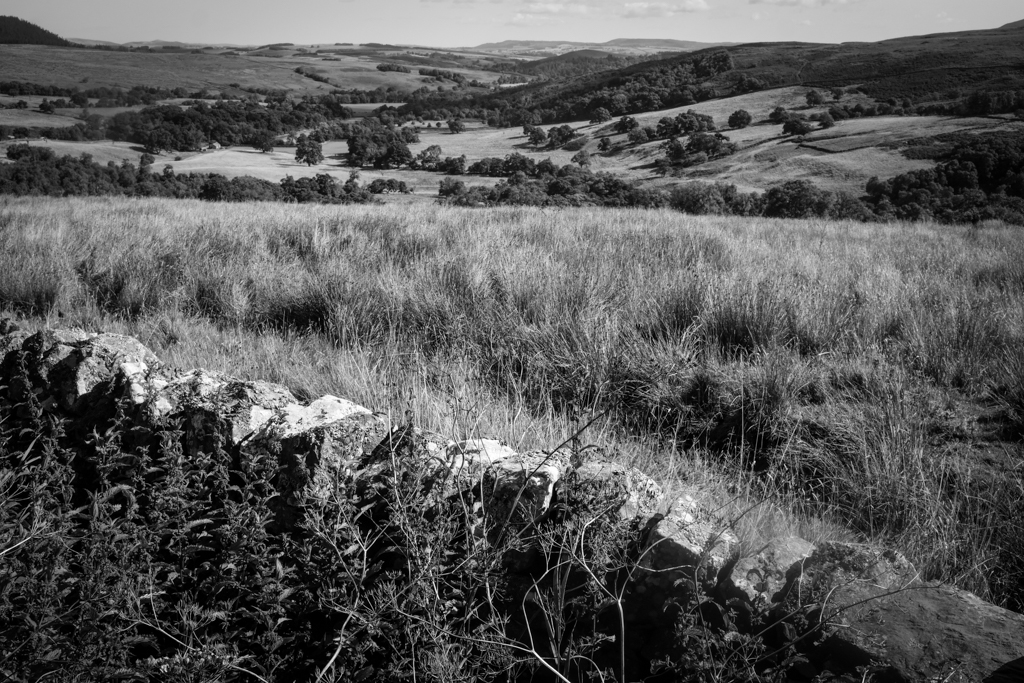
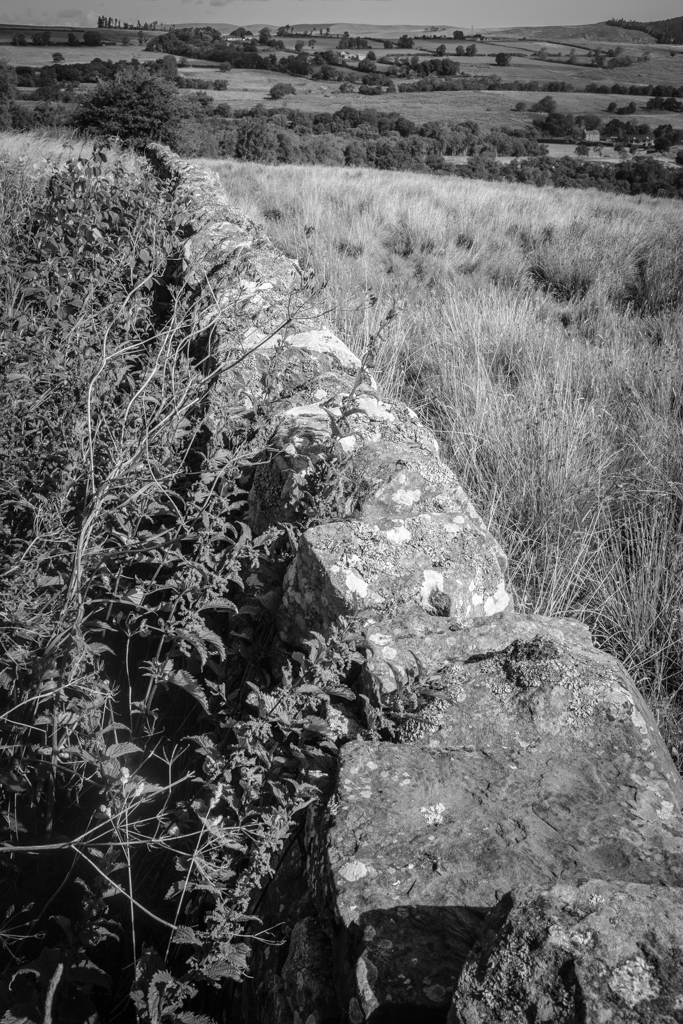
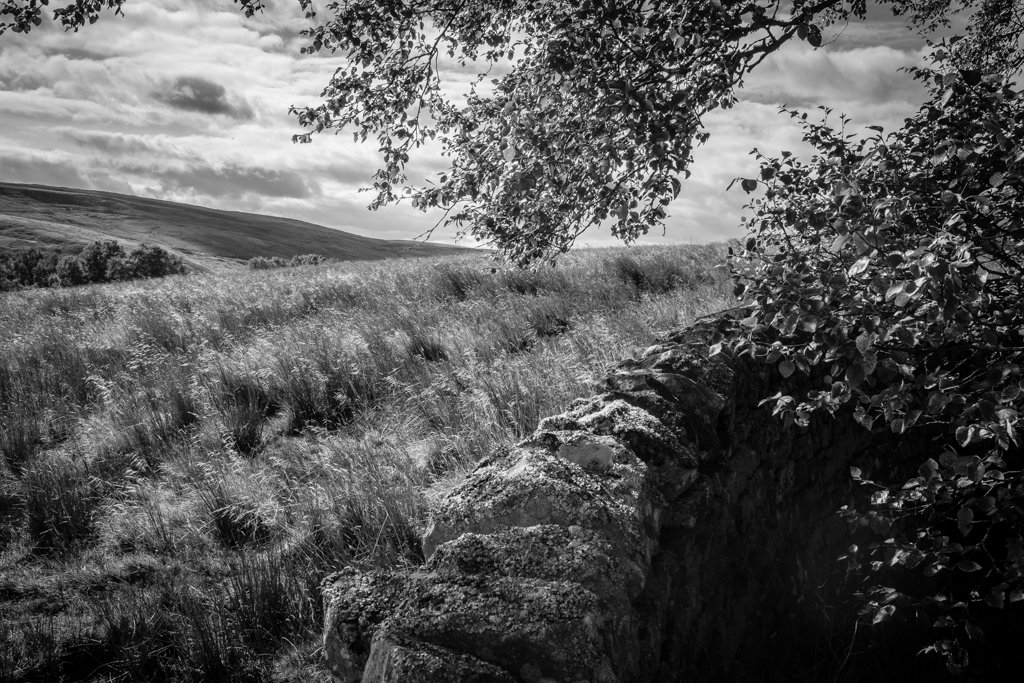
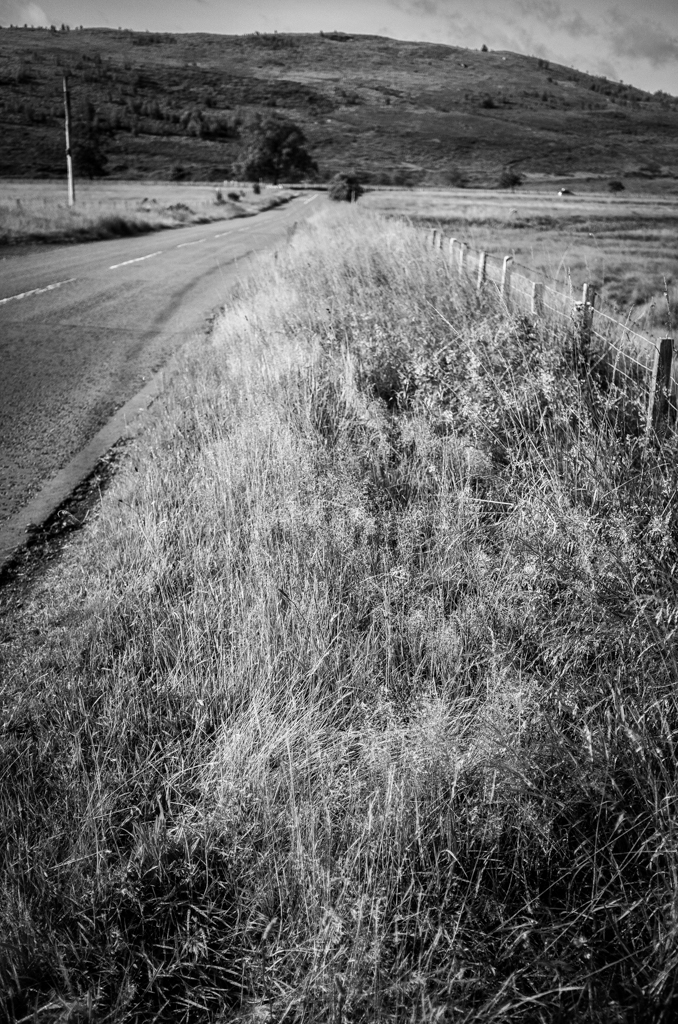
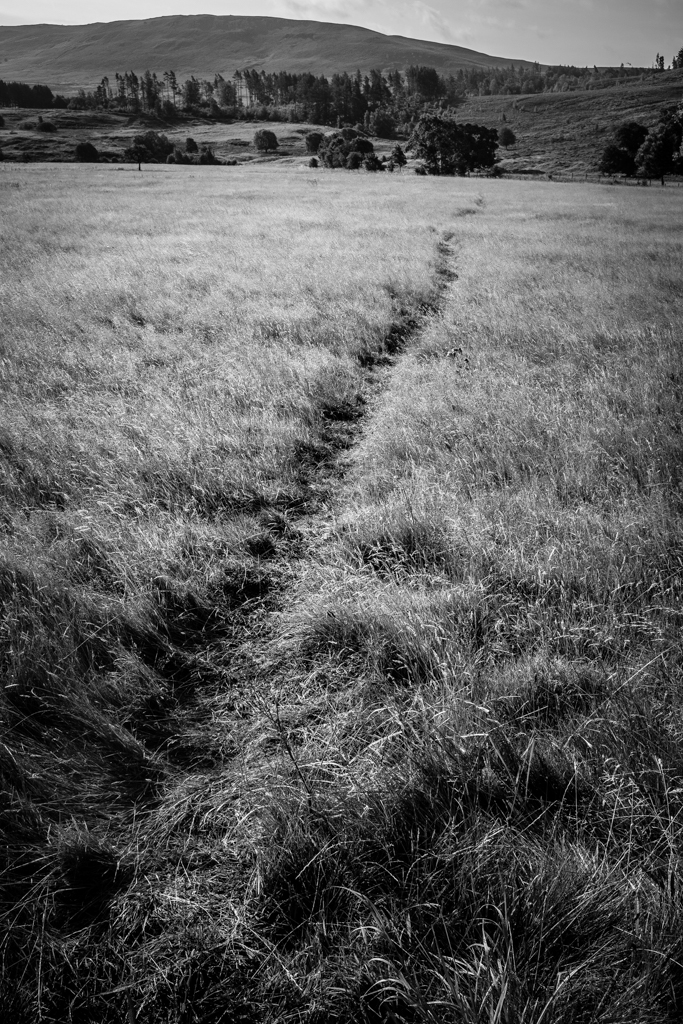
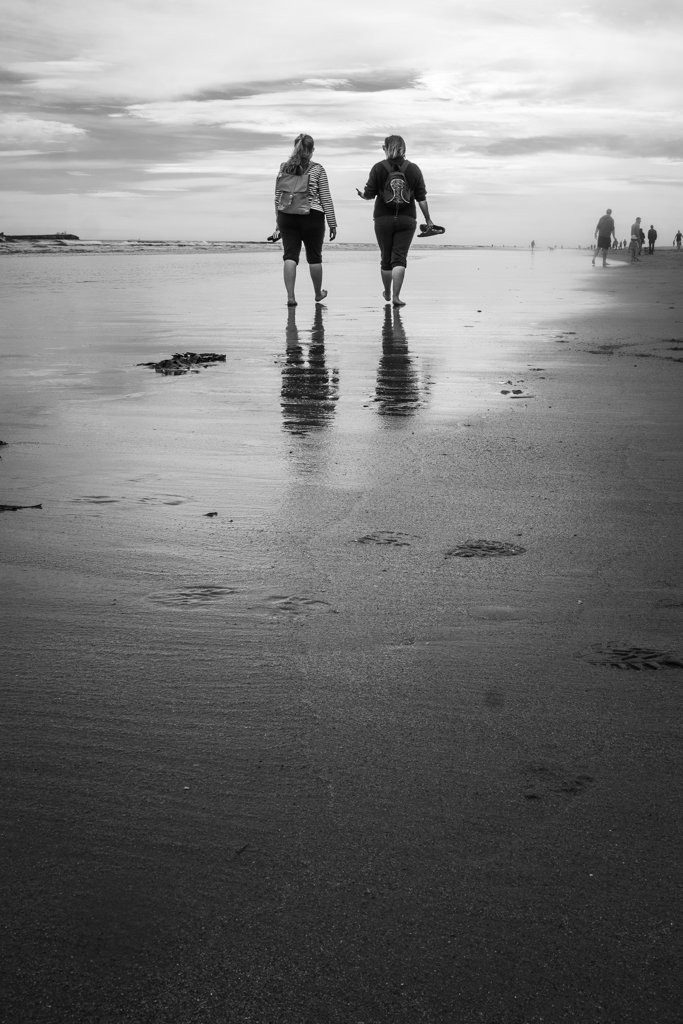
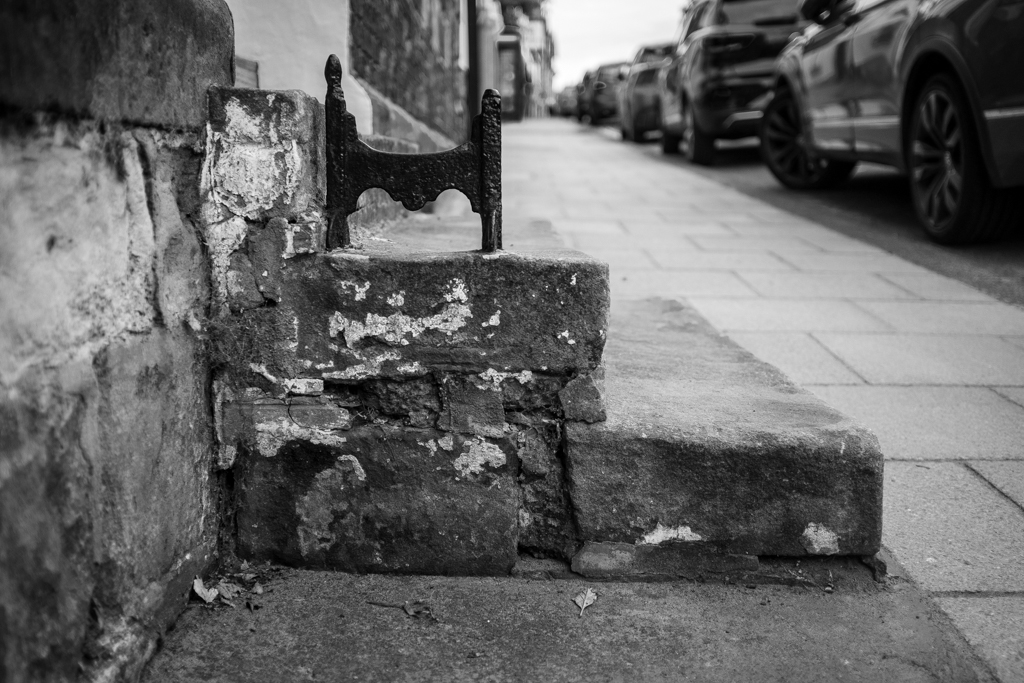
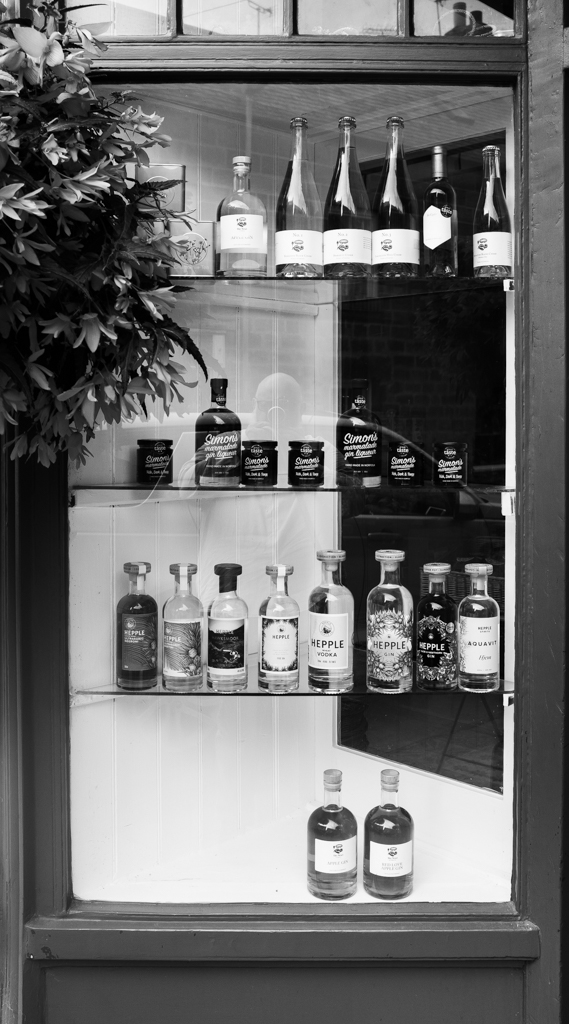
My usual approach to black and white photography is to shoot directly in black and white, either using black and white film or the Acros film simulation with my X100F. When using the X100F on this UK trip, my EVF displayed the black and white shot using Acros with a red filter—my go-to simulation. This method puts me in a black-and-white “frame of mind” from the outset.
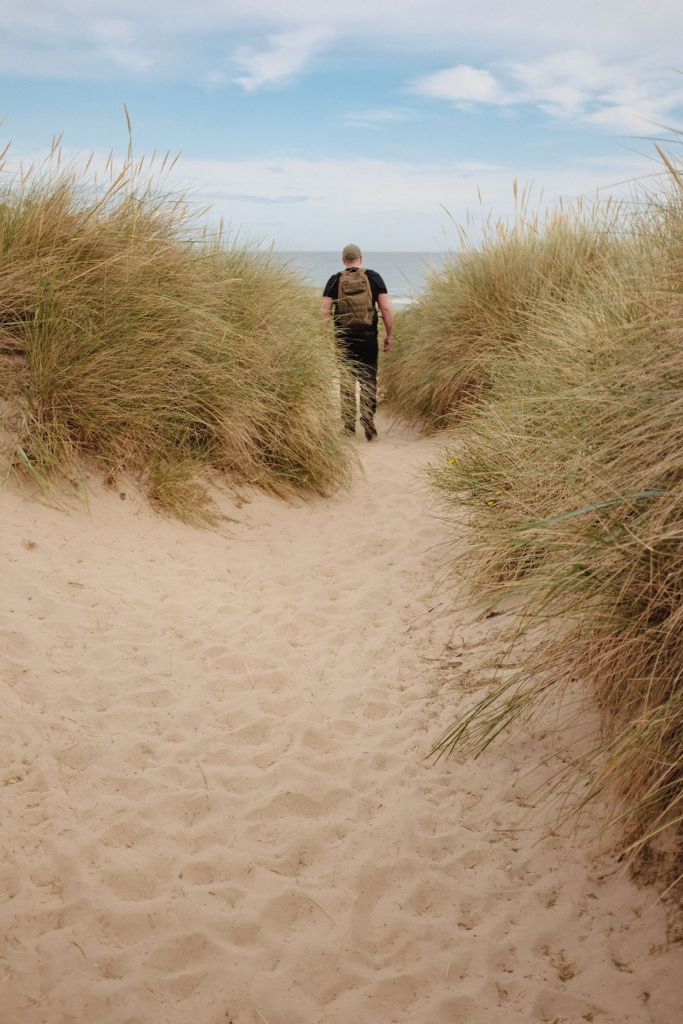
However, this time I decided to break from my usual practice and experiment. I did something I normally advise against—starting with the intention to create color images and only considering black and white later. I chose the Classic Chrome film simulation instead of Acros, focusing on capturing the vibrant colors of the Northumbrian countryside. It was all about breaking free from my black-and-white routine. Both color and black-and-white photography have their place, but for this trip, I wanted to prioritize one over the other. Still, wouldn’t it be intriguing to compare both approaches?
Back in France, as I prepared the images for my black-and-white Instagram feed, I began to wonder if some of the colorful shots might also work in black and white. Initially hesitant—given my emphasis on shooting with intention and purpose—I decided to embrace the experiment. I was breaking one of my own rules, yet the idea intrigued me.
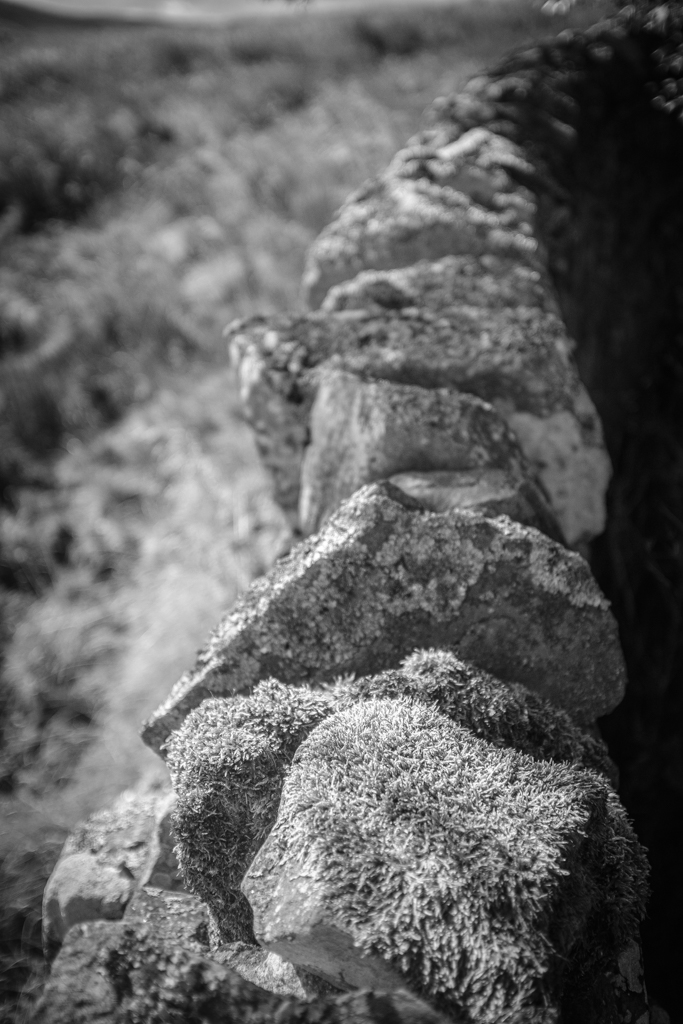
Reviewing the color shots, I considered which might translate well into black and white. I look for images with texture and varying tones rather than just color. My composition is usually solid since I’ve already edited my color images, including reframing and straightening as needed. With digital RAW files, converting to black and white and producing different versions is straightforward. As they say, the goal is to produce images that reflect how they made you feel, not just how you saw them. This is why I convert my images to black and white—they capture more of the emotional essence.
Opening Adobe Lightroom on my PC, I saw the familiar images on my screen. My editing approach may seem finicky, but it’s effective. While the simplest way to convert an image to black and white is to slide the “saturation” slider to the left, this often results in a flat, lifeless image. Instead, I use a more nuanced approach to control various color tones in the black-and-white image. This technique helps preserve depth and character, ensuring that each image maintains its visual impact even without color.
Here’s how I approach black-and-white conversion in Lightroom:
Black and White Profile: Sets the overall tone and mood of the image.
Clarity: Enhances texture and detail for a more dynamic appearance.
Contrast: Adjusts the range between light and dark areas, adding visual interest.
Color Sliders: Modifies the luminance of specific colors to bring out different tones in the black-and-white image.
Highlight Tool: Adds subtle vignetting and balances highlights for a polished finish.
So, why convert to black and white after shooting in color? For me, it offers a classic, timeless aesthetic, and challenges me to create a “better” image by focusing on composition and texture without the distraction of color. This approach pushes me to craft photographs that rely on fundamental elements, enhancing their overall impact.
Impact is at the heart of photography. While I cherish the colors of the Northumbrian countryside and am eager to learn how to use color more effectively, I also deeply value the strengths of black-and-white photography. It’s about transcending color to create images that resonate through composition and texture.
But there’s something more personal about these black-and-white conversions. Perhaps it’s because I broke my own rules this time around, allowing color to take center stage and letting the black-and-white images emerge later. These images weren’t planned with black and white in mind—yet, despite that, or perhaps because of it, they feel even more special to me. Sometimes, going against what you think you know leads to unexpected results. And, in this case, those results resonate even more deeply.
Isn’t impact what we strive for in our photography? Don’t get me wrong—I love the colors of the Northumbrian countryside and am on a quest to learn how to use color more effectively. But I do believe in the strength of the fundamentals offered by black-and-white photography. Sometimes, breaking your own routine brings surprising rewards.
As the title suggests, I will describe my workflow when out and about. While there are surely other ways to do it, this is my method. It works and has stood the test of time. I usually wander around taking photos, then find a café to sit down and transfer my images to my phone. Everything is better with a nice cup of tea (or coffee) and a piece of cake.
Downloading Photos to Your Phone
Most cameras today can connect to phones via Bluetooth or Wi-Fi. My two Fujis (X100F and XT2) and my Canon (6D Mark II) certainly can. I enable Wi-Fi on my camera and connect it directly to my phone. Next, I open the corresponding app—Canon Camera Connect for my Canon and Fujifilm Camera Remote for my Fujis. Each manufacturer provides its own app for Android or Apple devices. Once the camera is connected to my phone, I can import my photographs, selecting the images I prefer.
Sorting Photos
Now comes the fun bit: sorting through all those wonderful shots you took and deciding which ones are worth working on and editing. When I transfer my images from my camera to my phone, the phone creates a folder for the imported photos. Different apps will put them in different places, so I’ll leave that to you to manage. As a rule of thumb, you will see them in the gallery app, which will show you your latest photos.
In the gallery app, you can sort your photos by date taken, favourite images, or the place where the photo was taken.
I will assume you have read my last few articles on Photography 101, composition, and the types of lenses available and how to use them, or at least how I use them. If you haven’t had that pleasure, then go and have a read…
Is the photo worthy of publication, and are you happy with it representing your talent as a photographer? Is the image in focus? Is the image well exposed? Does it fulfil its storytelling role? Will it add to your narrative? Or simply, do you like it enough to want to share it?
Let’s assume that you answered yes. You then get to share your image to Snapseed.
Editing in Snapseed
Starting with Styles:
I like to begin by using the “Portrait” style. It is a preset that gives the photo a subtle glow and some vignette. I just seem to like it, and when you have something you like that flatters your image, you are tempted to stick with it. Most times, this will work a treat on well-exposed images. But let’s imagine that you have exposed for the highlights and that your shadows are “too dark” and you want to bring them up a bit. Then I would go to the “Tools” section and use the Tune Image.
En aparté:
When exposing in digital photography, we expose for the highlights, as it is easy to lighten, or “bring up” the shadows, and we don’t want to “blow out” our highlights and just turn it into a mass of white. In film photography, it’s the opposite. We expose for the shadows, as film has more difficulties capturing details in the shadows especially in a photo with lots of light.
Using the Tools
As I inferred in the title, this is my workflow, and shows the way I use Snapseed. There’s a whole load of tools to stylise your image and to completely change the look of it, but I’m more of a “less is more” disciple when editing. Also most apps out there will have similar tools, so you can carry this knowledge with you across the board.
Crop Tool:
One thing I learnt early one is to KISS, i.e. Keep it simple stupid. Sometimes I will have an element in my photo that distracts from my subject. With the crop tool I can just crop the image and make it disappear. I can also use the crop tool to format the image to fit certain social media post settings. I’m thinking about you Instagram and Facebook. Try searching google for social medi formats and you will be inundated with results.
Healing Tool:
Sometimes the crop isn’t enough to take away distracting elements from our photo. You might have a beautiful shy and want to get rid of that Jumbo Jet in the sky. One way of doing that is to wait until the Jumbo Jet has flown away, but let’s say that it’s too late… Using the healing tool will clone part of the image and replace the Jumbo Jet that just wants to noticed and validated man! To get the best results it’s better to zoom into the image and have a smaller area to work on.
Tune Image:
This is where I do the basic edits, bringing up the shadows or bringing down the highlights. I usually keep it to that. At a push, I will bring up the brightness if the photo has been underexposed. Somtimes I will add a little contrast but I tend not to use the other tools. I don’t want to denautre the photograph.
Rotate Tool:
We should always try and keep our horizons straight, except when making the conscious decision not to. The rotation tool tries to straighten what it thinks should be straight. It generally works quite well, but you do have total control as well as a grid to check the lines in your photo.
Brush Tool:
This is where we can do our burning and dodging. You can choose to highlight a certain area and darken others to emphasise your subject. This brings the photo to life. There are tutorials galore on YouTube that go into more detail than I will in this “basics” article.
Black and White Tool:
Welcome to the world of black and white conversion. It’s a process that a majority of my photography goes through. You can, of course, just use the saturation tool in the “Tune Image” section, and you will get a monochrome image. But you can do so much more.
So, let’s do so much more. The black and white tool offers you some presets which might correspond to your taste. I tend to leave them alone and instead press on the circle that will give a series of colour filters to choose from. This is a direct link back to black and white film photography, and you know how much I love that. I love using the red filter, which, as in film photography, will make your blues darker. This is beautiful for those landscape photos where you want a dark sky to complement those fluffy white clouds. It’s also my default film simulation on the X100F that I use for all my street photography. It’s just a look that I fell in love with years ago. The other common filters are all covered too.
Orange: Orange filters give stronger effects than yellow filters but are not as bold and dramatic as a red. It is therefore an ideal choice to span the effects given by both these filters. Blue skies will be recorded in very dark tones on the print, giving bold contrast between the sky and clouds. An orange filter will also penetrate haze and fog. Most flowers will be recorded with a significant difference in tone from the surrounding foliage giving impact and effect.
Yellow, the general purpose black and white filter,
Green: When photographing foliage in black and white, a green filter is used almost exclusively. It lightens green foliage, which is particularly important with dark green leaves which can record very dark without a filter. It therefore gives a more natural, lighter feel to the photograph.
Blue: A blue filter is not often associated with black & white photography however, it can really add “mood” to a photograph by increasing the effect of haze or fog. It also lightens blues and darkens yellows, oranges and reds which helps separation in scenes containing a mix of colours.
Export
You have two options. You can either press on “done” and Snapseed will record your image in the Snapseed folder and in your gallery in the Album neamed Snapseed, or you you can press “share “and you will be presented with various options on how to share your image, to Instagram, via gmail etc.
Before you do that you can press on settings where you can change the resolution of the image that will be exported. This can help if you need to reduce the image to take up less space on your phone, or if you’re loading the photo up to a website and you require a “lighter” image.
Conclusion
You now have an idea about how I edit my images on the go, and the more time goes on, the more I do it this way. Is it the same as Lightroom on my computer? No. I can’t have as much control as in Lightroom. I can’t batch edit, I can’t do this or that, but I can manage without, especially on the go. There are of course other options for photo editing on the go like Lightroom mobile,VSCO, your native photo editor app on your phone. As I said at the beginning of the article this is how “I” do things. It works for me. Try it out and it might just work for you too!
I have recently tried to start learning about making videos. Somebody said that if you have an eye for creating a decent image, then your eye should be OK for filmmaking. There are of course different styles of shots because we are talking about moving pictures. Shots that move, and not just static plans as we would use in photography. We have to set a scene with establishing shots. We can combine medium framed shots and close-ups to keep the narrative going and to show the wood moving through the different machines. I therefore had to understand the manufacturing process. The composition principles that I have talked about in the past are still relevant. So my mindset was, “Why not give it a try. You know about images and how to place subjects in images. Get on to YouTube and start learning about filming . This isn’t Instagram or Tiktok, so you have more time and scope to deliver your message. And if “they” can do it then there is no reason why I can’t!” Nothing left to do but get it done! Do, don’t think…
The Kit – Use what you already have
For the moment I’m using the Canon 6D Mark II with the 24-70mm F4.0 zoom lens. For the editing I’m using CapCut and am slowly getting used to it. It just goes to show that yes, yes indeed, you can teach an old dog new tricks… I can already hear you Dear Reader asking, “But why did you use that camera, and that editing software, Ian?”
The camera
I would say, firstly why not.. But I’ll set out my reasoning. I used the Canon 6D Mark II, because I have it. It has the flippy screen that allows me to see what I’m filming, and I’m only beginning, so no exterior monitors yet. I also know how to use it and like using it. Does it have 4K video, which “they” say is a must nowadays? No it doesn’t, but I’m not in the market for a new camera, so I’ll be using what I have already thank you very much. On a tripod I could do static shots, and panning shots. The idea was to have a series of shots showing the wood in motion going through the manufacturing process.
The lens
Why the 24-70mm lens? Well think back to the articles where I talk about lenses. I said that it was a workhorse and has me covered for “quite a few” situations, and it has image stabilisation. I used my tripod, but there were a couple of handheld shots. It is also a pretty fine lens in its own right. More important to invest in the good glass, than a camera body. What matters is what the client, or audience sees. They’re not doing a mental breakdown of your kit!
CapCut
And why CapCut? Again I would argue yet again, why not! Price of the software was a consideration. As was simplicity. I had tried using Adobe Express, as it is part of my subscription for Lightroom and Photoshop, but it didn’t seem to have the capacity to give me the result that I was after. It did however, introduce me to the concept of the timeline and linking up the various sequences that I had filmed. I had also seen a lot of people waxing lyrical about CapCut, and it just seemed more “accessible” to a newbie like me. There are of course more professional tools available but for the moment seem to have more than I need. I of course went back to Youtube for various tutorials to get me started.
The Brief
So here we go with the actual video. I was told to make a video that would be shown to new employees as part of their integration into the company. Showing the total process will give them a better idea of where they feature in the “bigger picture.” Something dynamic they said. Show the wood moving through the machine they said. So I tried… Then I looked back at my brief from my boss, and realised that I was way too long and had to go back to the drawing board. Ah well. The idea is to show the process of transformation from timber to a door frame that can go to the other plant for assembly.
When you’re doing personal work you have the freedom to do what you want, but work requires sticking to the plan. So stick I did! I showed my boss the first draft, and was told that maybe cut this out, change the speed of the footage, only speed things up for the machines, but leave the shots of people at normal speed. Such and such a shot adds nothing to the story so get rid of it. It felt very much like the process I have when I get back from a shoot. You have to do a first triage of everything, and only have the strict necessary to portray your message.
The creative Process
So I had my brief. I knew the kind of film I was after. Or at least I had a couple of ideas. The basic premise was to be able to follow a piece of timber from being unloaded from a truck, following the piece of timber as it is transformed into a door frame. I had in mind those films I saw as a child showing how something is made, and how we see cans of soup moving along a conveyor belt. For each sequence, I wanted a piece of wood going into a machine, going through the machine, and coming out the other end having been transformed. Starting with an establishing shot, and following more or less closely, with close-ups and medium shots to give an idea of movement…
A short extract from the full video…
Conclusion
So you have now seen the video. All this happened in a week. I went from know very little about making a video, to having a viewable result, and one that tell the story that was asked for. Am I happy with it? I’m certainly not unhappy, and it was interesting to see the thing evolve from a series of moving pictures into something that will be used in training for future employees. Would I have done things differently? Possibly. I might have used the 16-35 F4 lens too, for even wider shots. I know have a little more familiarity with my software and will be spending less time searching for the effects and tools I wish to use. It made me aware of what kit I may be lacking, like mics for sound, but here I didn’t need to record any more sound. I would have liked wheels for my tripod to have a different panel of shots. I maybe should have used my phone and the gimbal to get more variety in my shots. I could have done some time-lapse sequences. But the primordial question would be, “What does it add to my story?” and “Do I need to acquire any kit to do it?” Money talks, and if I can get what I need without spending any more then that has to be a good idea!
What did I take away
I was introduced into a new world of storytelling. I learnt about thinking in a more linear way. Not just thinking about the shot as I would in photography , but about using these shots to make a story. Maybe I already did this with my photo series, but here it became so much more relevant. This might be the main change in my outlook. I already knew about acquiring shots for stills, and doing the same for video seemed to be a natural progression.
What next?
Am I going to get further into this film making lark? By definition yes, because work wants more videos for training people on various machines, and the HR dept have noticed my work, and are getting ideas… Do I want to make videos for me? Yes. It is certainly something I want to look further into. And the more I watch on YouTube the more I am learning, and the more I believe that I can actually do this. Am I going to become a YouTuber? I honestly have no idea, but as in photography, I have to start doing something. People will usually give feedback, and comment sections on YouTube seem to be lees harsh than on Instagram or Twitter. I remember my father making home movies with a cine camera and I can now do the same thing, and edit my footage too. Learning something is never wasted, and it does the brain good to learn new things. Who knows where this can take me? I don’t, but isn’t it interesting to find out?
The aperture talks about the hole that the light passes through to get to the film, or the sensor, and is measured in “f stops” which will be what you see on your film camera lenses, or what you will see as a value in the viewfinder or on the back of the screen on your digital camera.
On prime lenses you will generally have a value of between f1.8 going up to f16, or even f22 or f32 on your digital lenses. If you go below F1.8 to f1.4 or f1.2, you have a more expensive lens attached to your camera body. If you can afford it then why not.
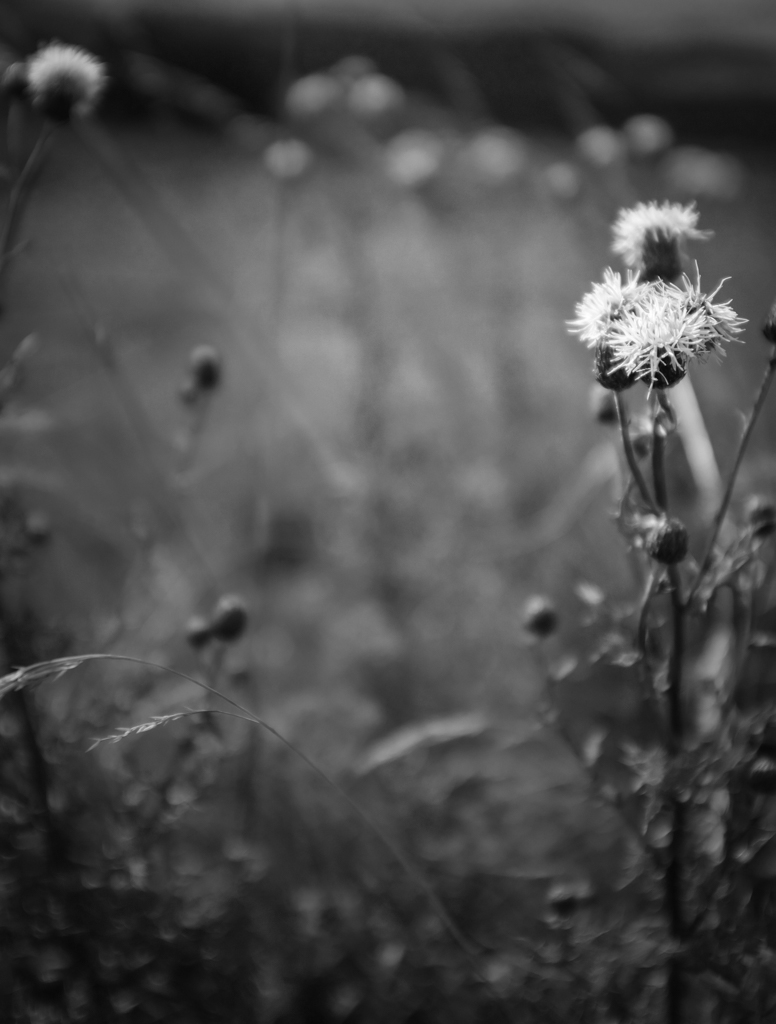
The opening or closing of the aperture blades will affect how much of your photo will be in focus and how much “bokeh” you will be able to get for your image. You will hear people talking about depth of field (of view). If I use a large aperture (with a lower f stop number) I will only have a small plane of my image that will be in focus or sharp, and the background will be blurry. My subject will stand out. If I use a smaller aperture (a larger number on the f stop setting), I will have a larger plane of my image that will be.
Application
So this exposure triangle thingy. In the previous sections you have seeen the effects that each element can have on your shot. In photography, as in life, we have to learn how to prioritise. What is the most important for us? How will these settings help us get the photo “we” want and not what the camera thinks “we” want? Do we need to freeze the action? Do we need the creamy bokeh? How much light do we have to play with? What is most important to us? Modern cameras are pretty good with their automatic settings, but when talking about being mindful in photography, it might just be an idea to keep a minimum of control.
Photography with a manual film camera takes this automation away,and brings us back to basics, hence my referring back to them all the time. If you can get well exposed shots with a manual film camera, then using digital is a breeze. In the viewfinder there will be a needle that goes up and down depending on how we change our settings. As I said earlier the ISO value will be chosen by the film you use, and I explained the different values and how they work. So that’s one less thing to worry about. You can’t change your film mid shoot, well you can, but I need a new article to tell you how to do it. So you’re left with aperture and shutter speed controls. There’s no LCD screen with a preview, so you have to become an educated guesser. But if I can, then you can. This needle, or rather a snazzy modern version, will appear in the viewfinder, and you will see it move as you change your setting.
Same tool, just a different format. Or you can cheat, and look at the image preview on the LCD screen. But that’s cheating, and gets you thinking rather than doing.
Always bear in mind that as the light changes, then so will your settings to adjust for this changing light. Just keep an eye on it and be aware as Jean-Claude Van Damme would tell us.
Scenario 1
I need to take photos of little Jimmy’s football match. I need to have a relatively fast shutter speed (about 1/500th of a second with film as my minimum speed, or up to 1/4000th of a second to capture the action with a digital camera), so shutter speed is my priority. That can’t move. So I can play with either my ISO or my aperture to compensate. I would probably take a 400 ISO (or ASA) film because even in sunlight that would allow me to have everything in focus by using f8, or even f16. With digital I can really push up my ISO to around 6400 and not have too much visible noise. The very recent cameras can go even higher without digital noise becoming a problem.
Scenario 2
I want to capture my subject and make the background blurry. Basically bokeh and also low light photography. This could be in street photography, or taking a portrait of somebody where I want the eyes in focus, but not necessarily the ears or back of the head. I will want to use a large aperture (smallest f stop number, so my priority becomes my aperture setting which I don’t want to change. This will give me that creamy bokeh that everyone raves about.But, with a large aperture I’m going to have lots of light hitting my film. I will have to bump up my shutter speed, and lower my ISO by using a slower film like 100 ASA or 200 ASA to compensate.
Scenario 3.
When ambient light is lower, opening up my aperture, lowering my shutter speed I can compensate for this lack of light. I might have to use a tripod if there isn’t enough light, or add a flash to my camera to provide my own light. I could use a higher ISO value and have a film more sensitive to light, but I will get much more grain etc. Everything is about balance and weighing up what “you” want.
Conclusion
Talking about film photography and film speeds etc, was very deliberate on my part. I am convinced that if you can use a manual camera and get good results, then using a digital camera will be so much easier for you.
The exposure triangle is now something that is no longer an enigma. We have talked about the ISO value, the shutter speed, and the aperture, and how these settings will effect your photograph. The ability to master these three elements gives you creative control over your images, allowing you to expose your image the way “you” want to, and you can go back to the articles about composition with a new eye. I want you to enjoy your photography, and you now have the necessary tools and knowledge at your disposal to do so.
I would, as always, urge you to take your camera out and shoot. You can experiment, and practice, and this manual lark will become second nature. You’ve got this!









 IJM Photography