Why the Olympus Pen EE-S Is the Best Budget Film Camera for Beginners


Why the Olympus Pen EE-S Is the Best Budget Film Camera for Beginners (Even in 2025)

Pentax 17 fever is sweeping the film photography world, and I’ll admit, I was tempted. Half-frame cameras, with their promise of double the shots per roll, sound pretty amazing. But with a price tag of 500€, the Pentax 17 isn’t exactly within my budget. That’s when I rediscovered a little gem tucked away in my camera collection: the Olympus Pen EE S.

This Japanese-made half-frame beauty hails from the 1960s, the same era as the beloved Olympus Trip 35. Like its sibling, the Pen EE S features zone focusing and a selenium cell meter for fuss-free shooting. The lens is an F2.8 22.5mm Zuiko lens. The ISO settings go up to 200 ASA, unlike the Olympus Trip which goes up to 400 ASA. So, despite everything else, it needs light. The half-frame format means you get a whopping 48 exposures on a standard 24-exposure roll. That’s double the shots for your buck, folks!

Now, the idea of twice as many photos for the same developing cost is pretty appealing. But does the Olympus Pen EE S deliver the goods in practice? Stay tuned as I put this vintage camera through its paces and share my findings. Could this be the perfect half-frame hero for those of us who can’t quite swing a Pentax 17? Let’s find out!

Well, for starters, it felt very much like using the Olympus Trip 35. It’s very slightly smaller and weighs next to nothing. The shutter button is almost identical as well. Instead of having four zones for focusing, you have three, but it’s fine, and when you turn the dial, you feel a click as you enter a new zone. You point, and then press. Simple!

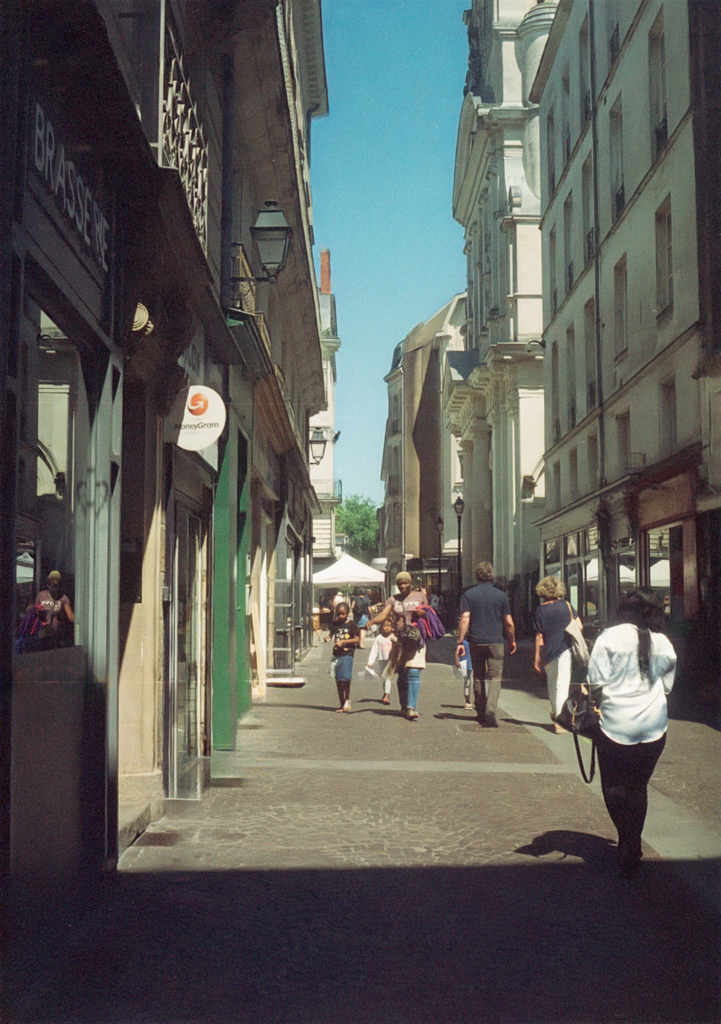
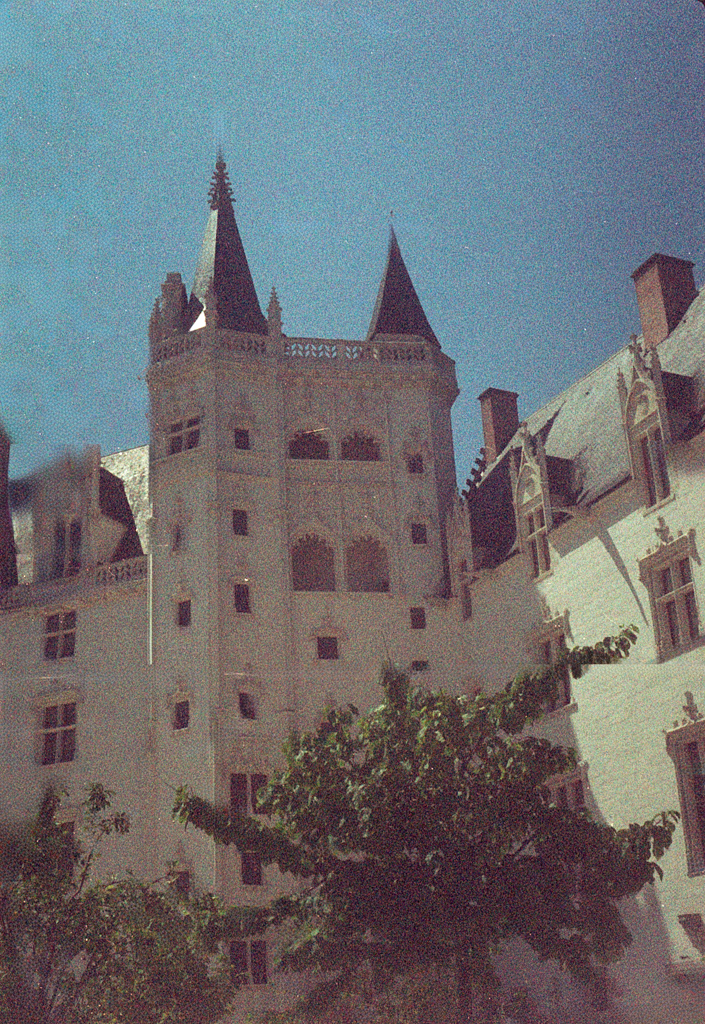
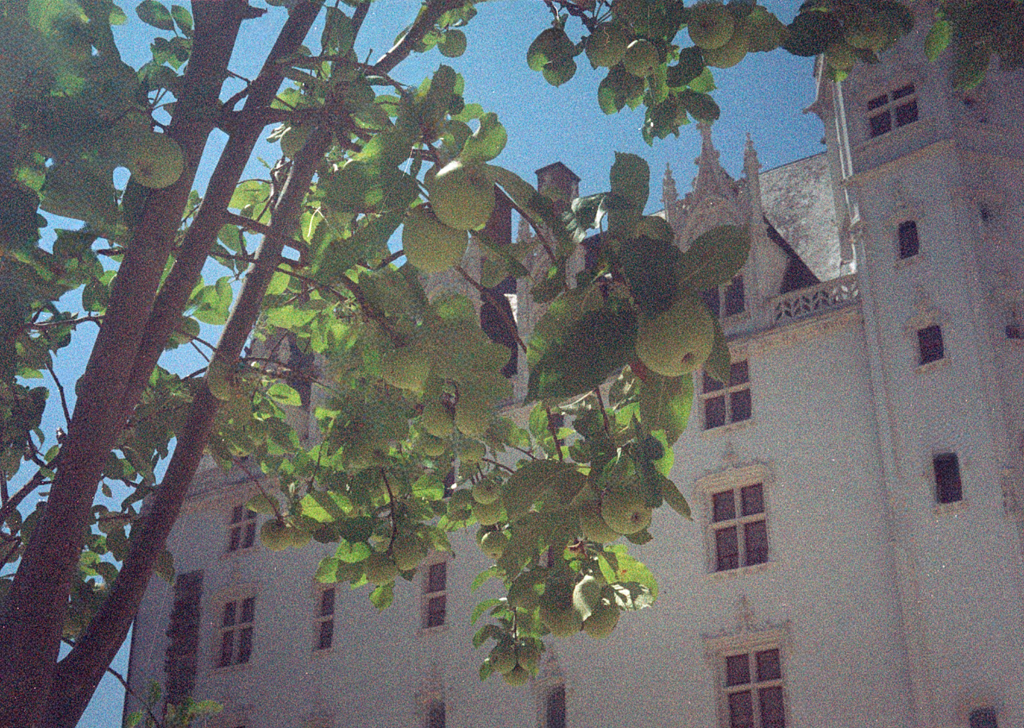
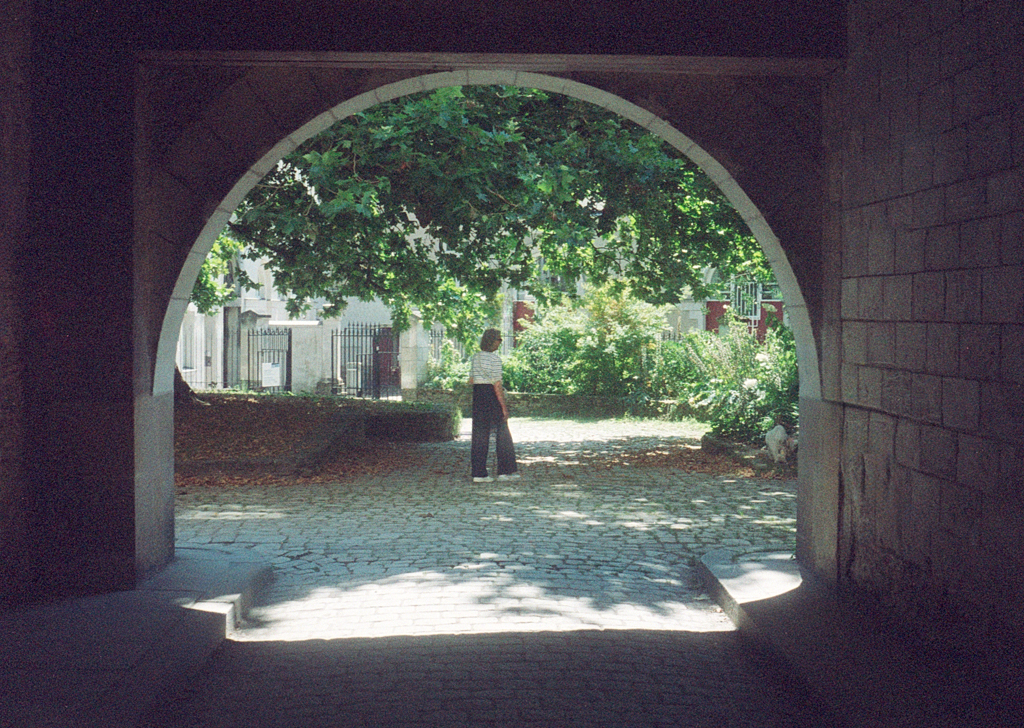
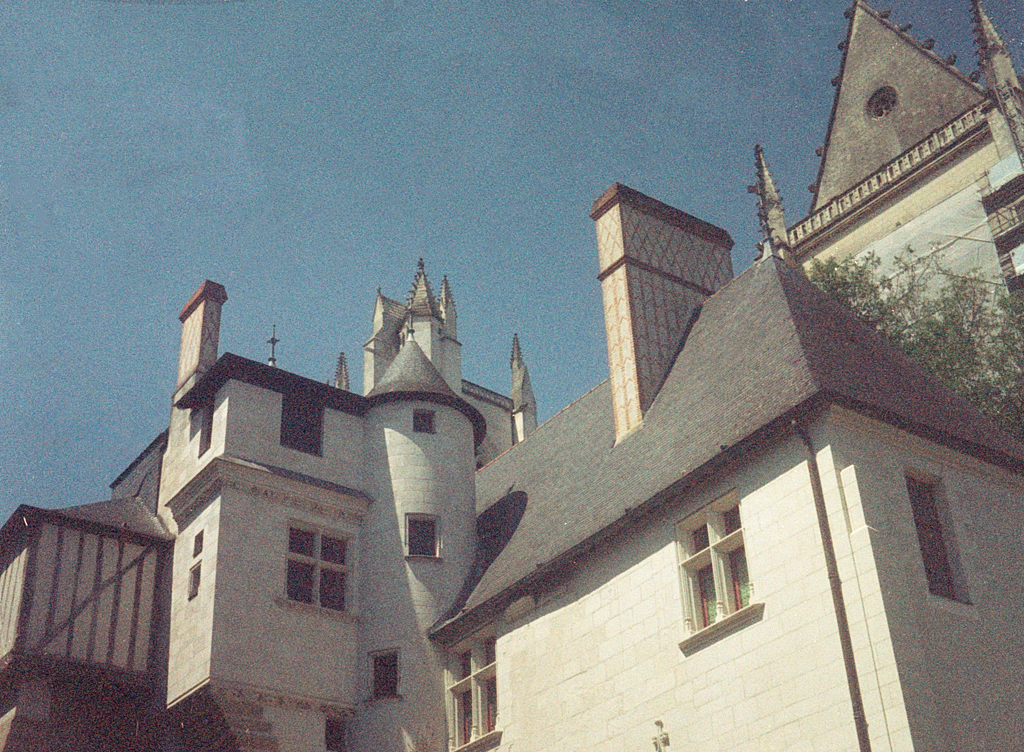
Let’s talk about this half-frame shooting experience. When talking about the Pentax 17, “they” talk about how the images are great for sharing on social media. A little like using your phone… This is the mindset that I had when putting in my Kodak Gold 200 to capture those famous Kodak moments in Nantes.

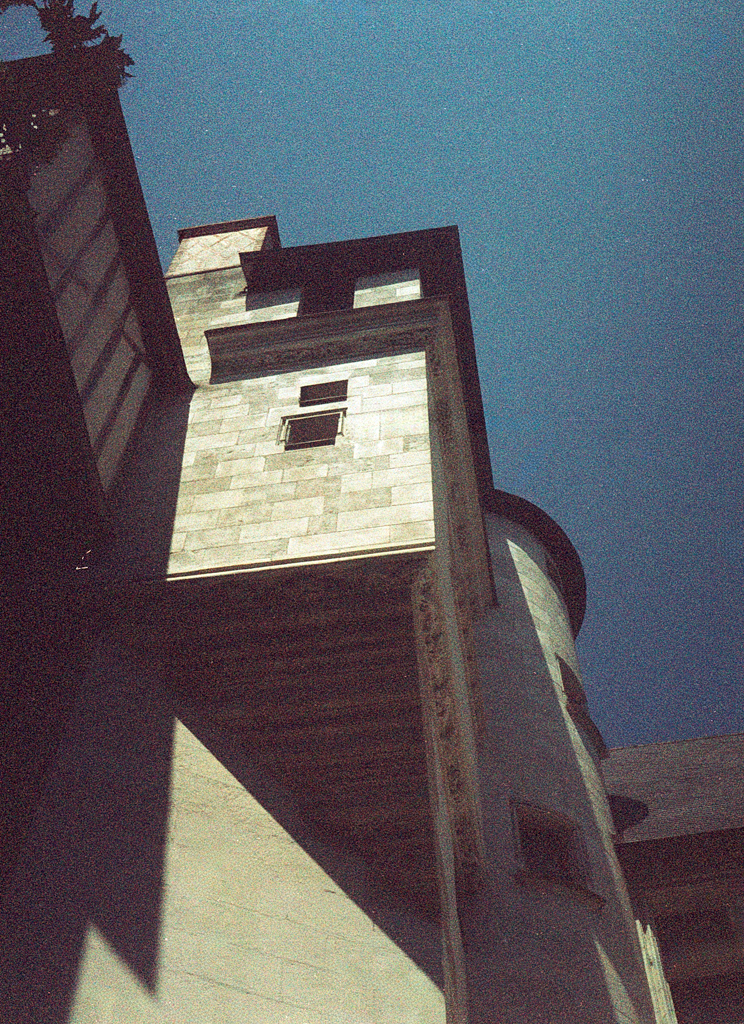
I found it a challenge to get used to the half-frame. “They” say that you have to take your photos as diptychs and remember that the two photos in your full frames are related, not just simple images. The idea is that when the two half frames are put together, you create a story and a suite of ideas, instead of two separate photos. I tried, and the results will show you if I succeeded. I felt that “they” were pulling my leg!

I’ll be honest with you. The idea behind the outing was to test the camera, see how I felt using it, and have a look at the results. It took me out of my comfort zone, which is something rare in photography for me. I was thinking about taking it to the UK with me to record the trip. It takes up next to no space in a camera bag and would allow me to shoot some film while back home. The idea of getting twice as many shots by using just half the frame is attractive. I’m just getting used to the reduced coverage that you get with just using half the frame.

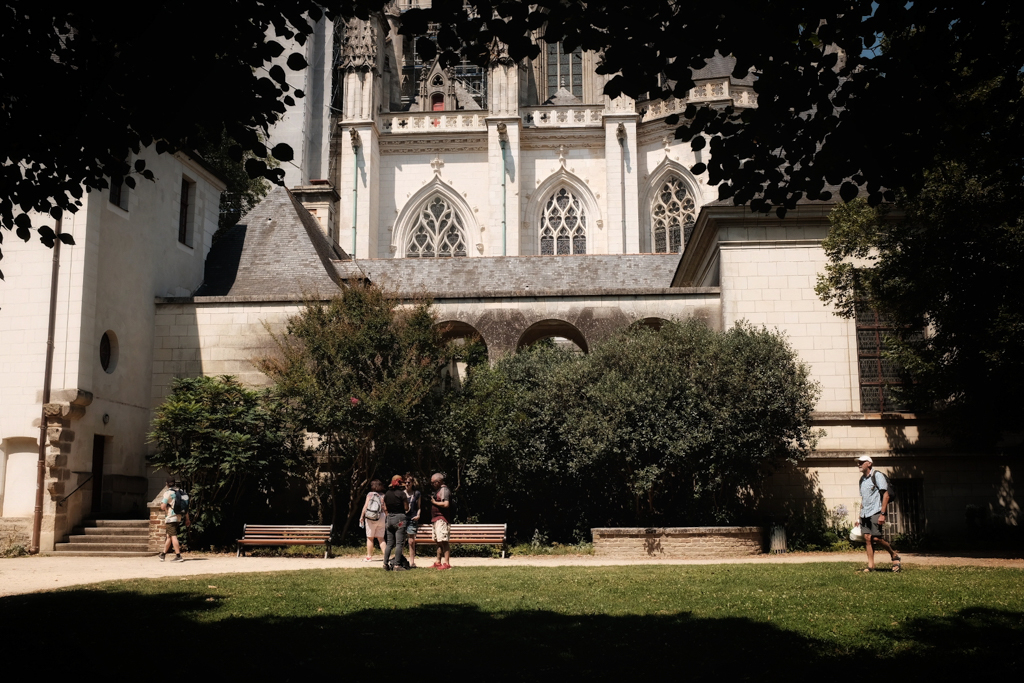
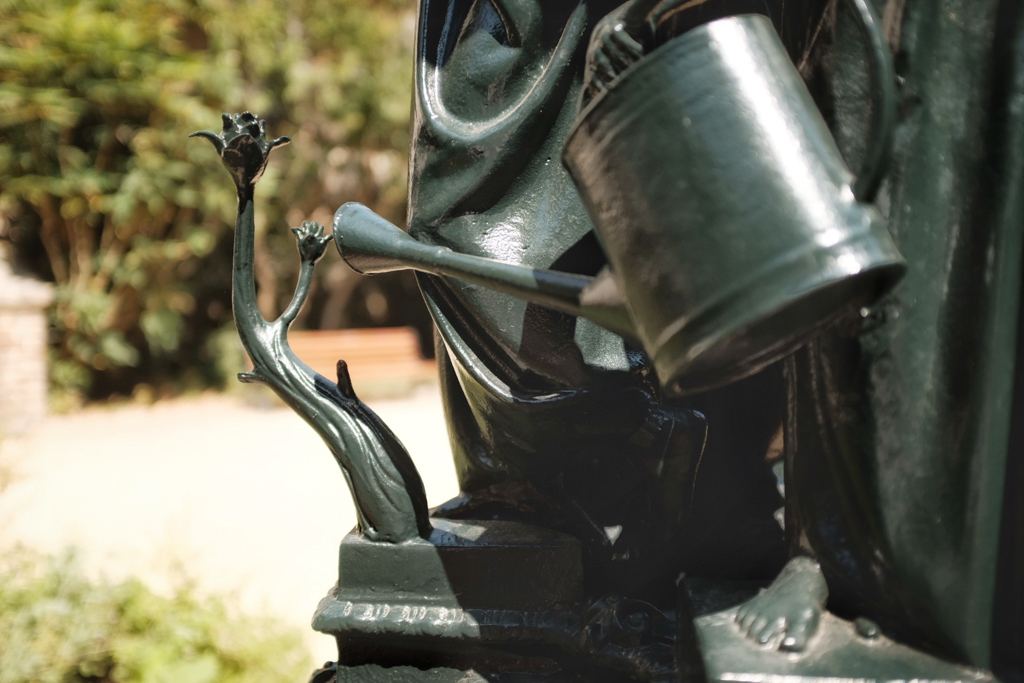
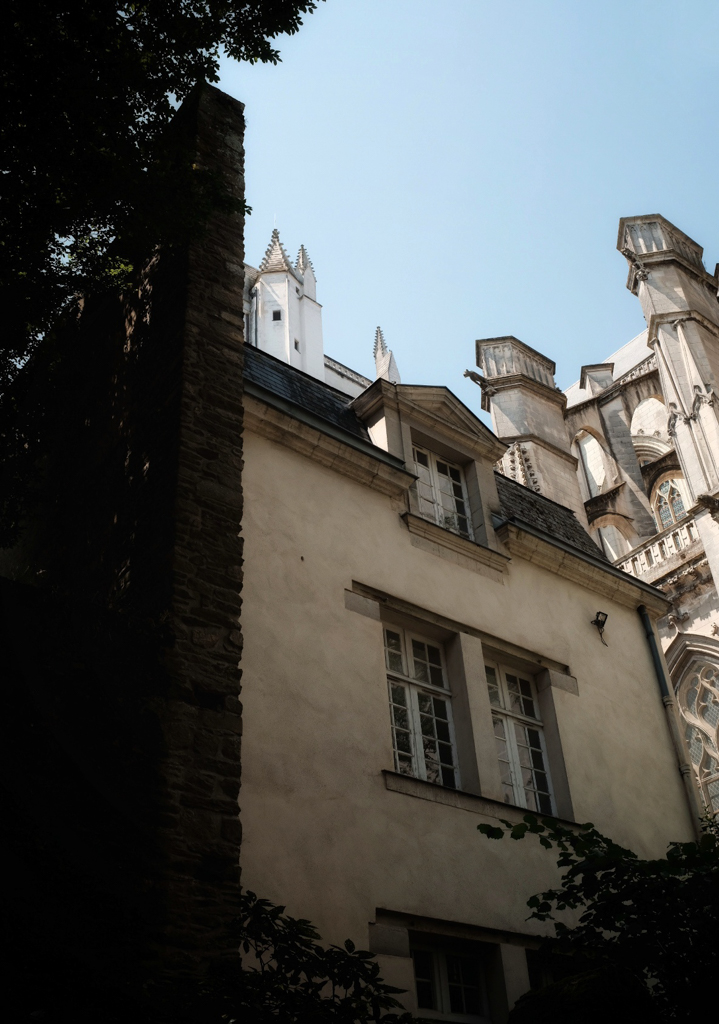
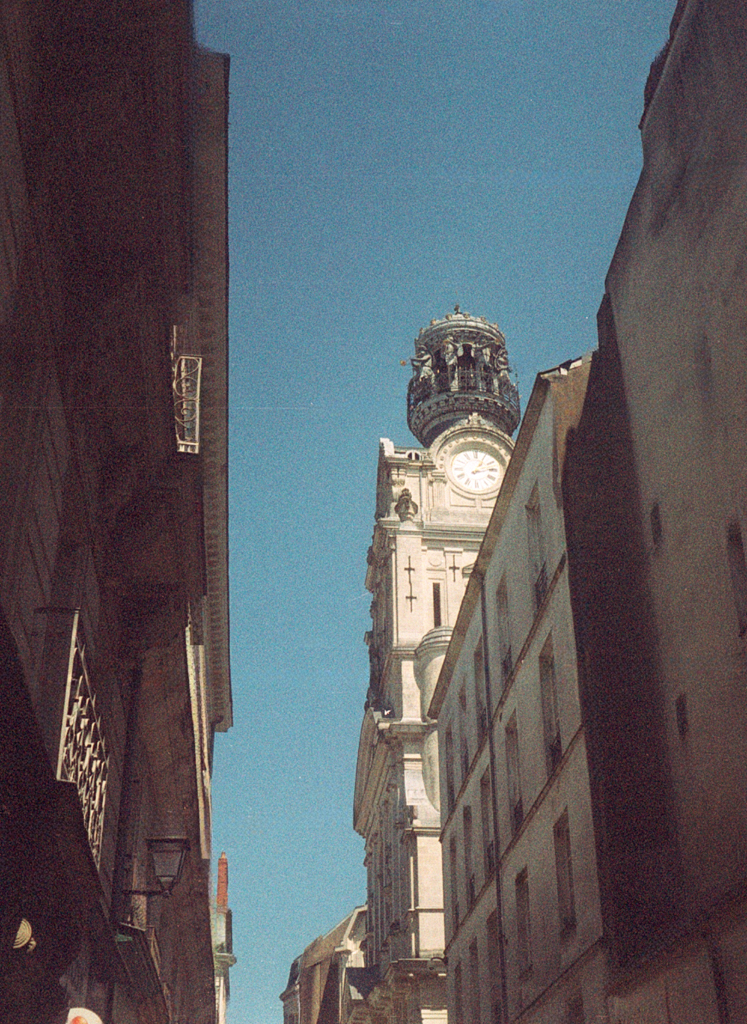
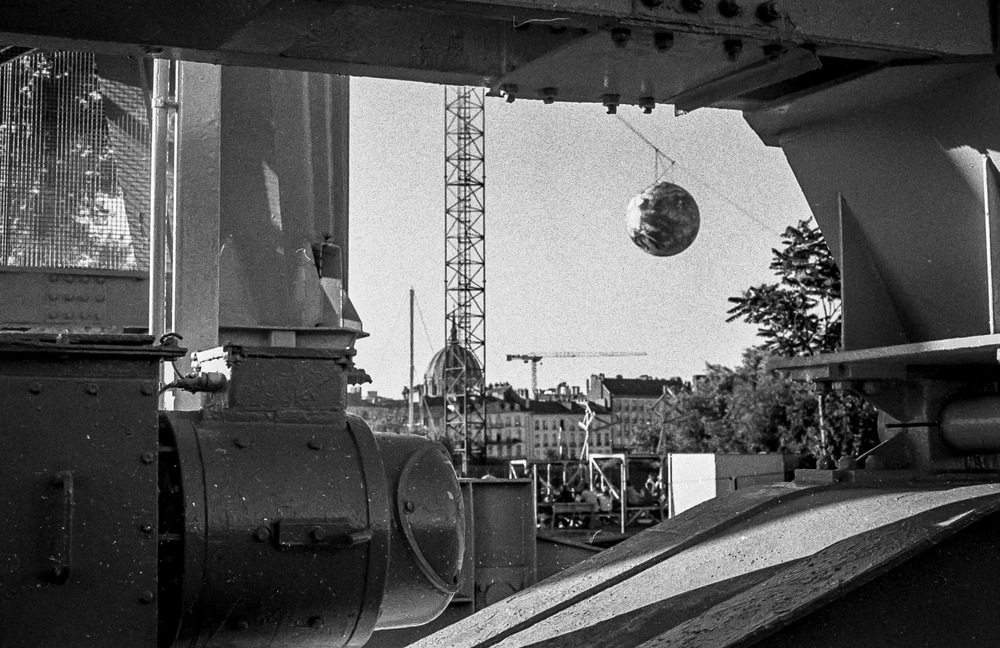
For this outing, I decided to head out towards the Cathedral, and takes some shots of the Voyage à Nantes.

I found myself thinking differently about framing my shots and using my phone as a mental template. As for the resolution of my images, they will be half as much as using my full frame, but were I to print my photos, then I would definitely see a difference. But if they’re just for sharing on social media, then the resolution will be perfectly satisfactory.

The million-dollar question is, will I take it on my trip, and will I use it? Yes, I will. Will it be my main camera? Possibly not. Will it be more like using a new toy? Possibly, even if the toy in question is a vintage 1966 toy…

Here’s what I’ll do. I’ll put some images taken on the X100F, my more modern toy, and let you see how they compare. You’ll see the diptychs and see how the different shooting styles change the outlook and how they change the framing.

These are the X100F photos with editing in Snapseed…

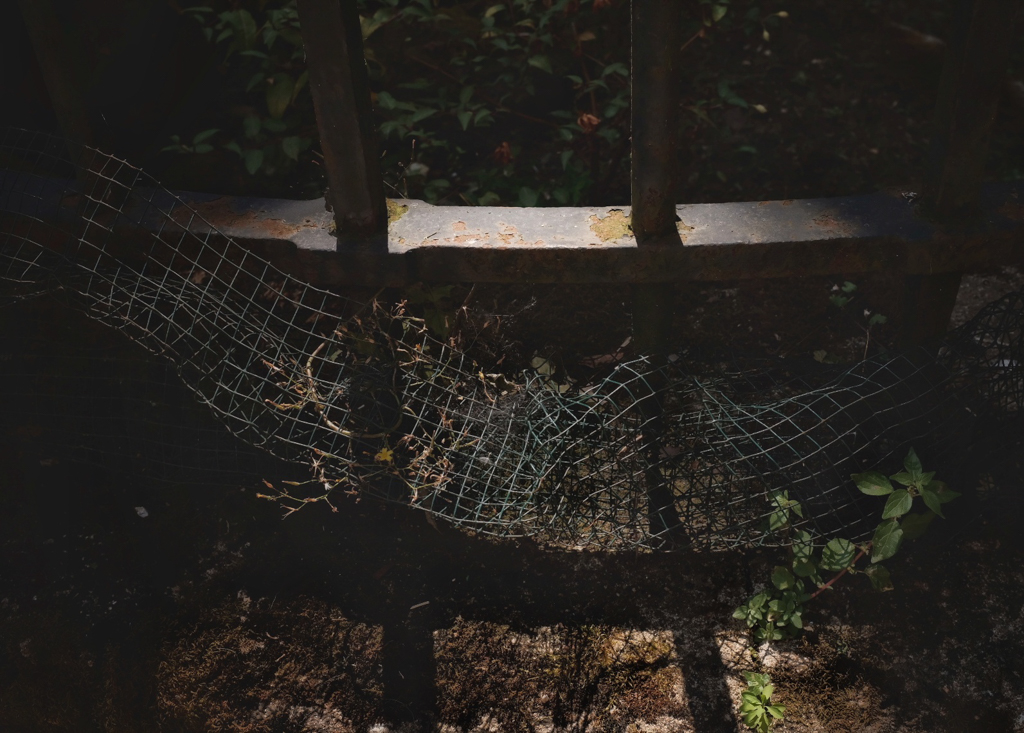
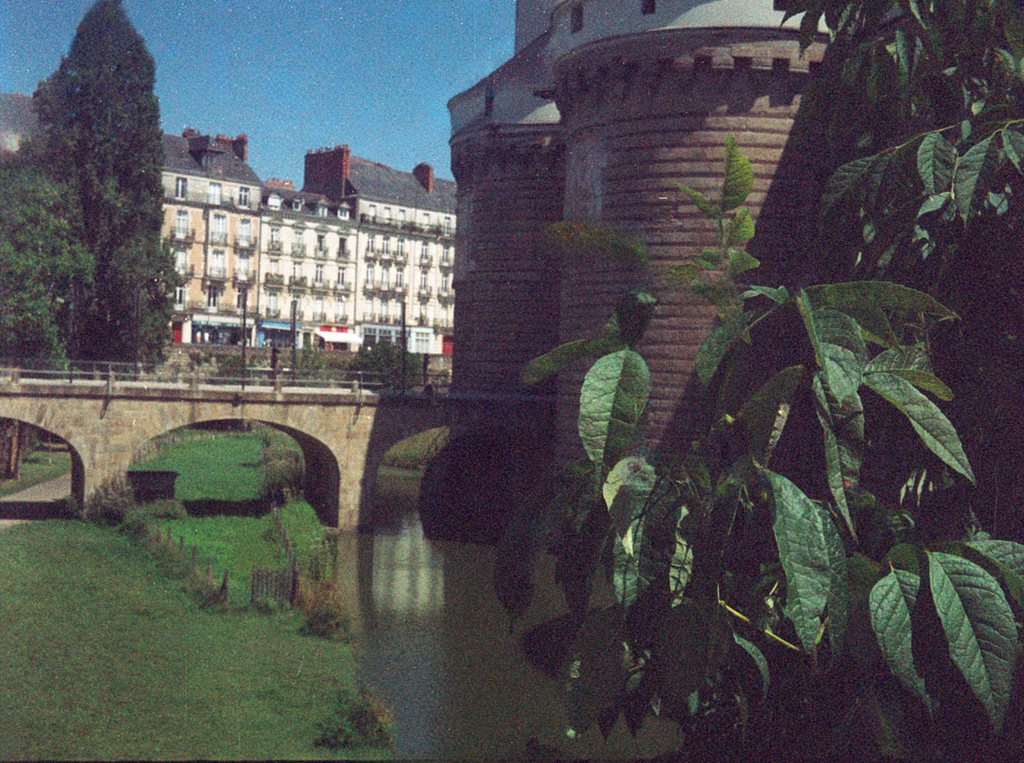
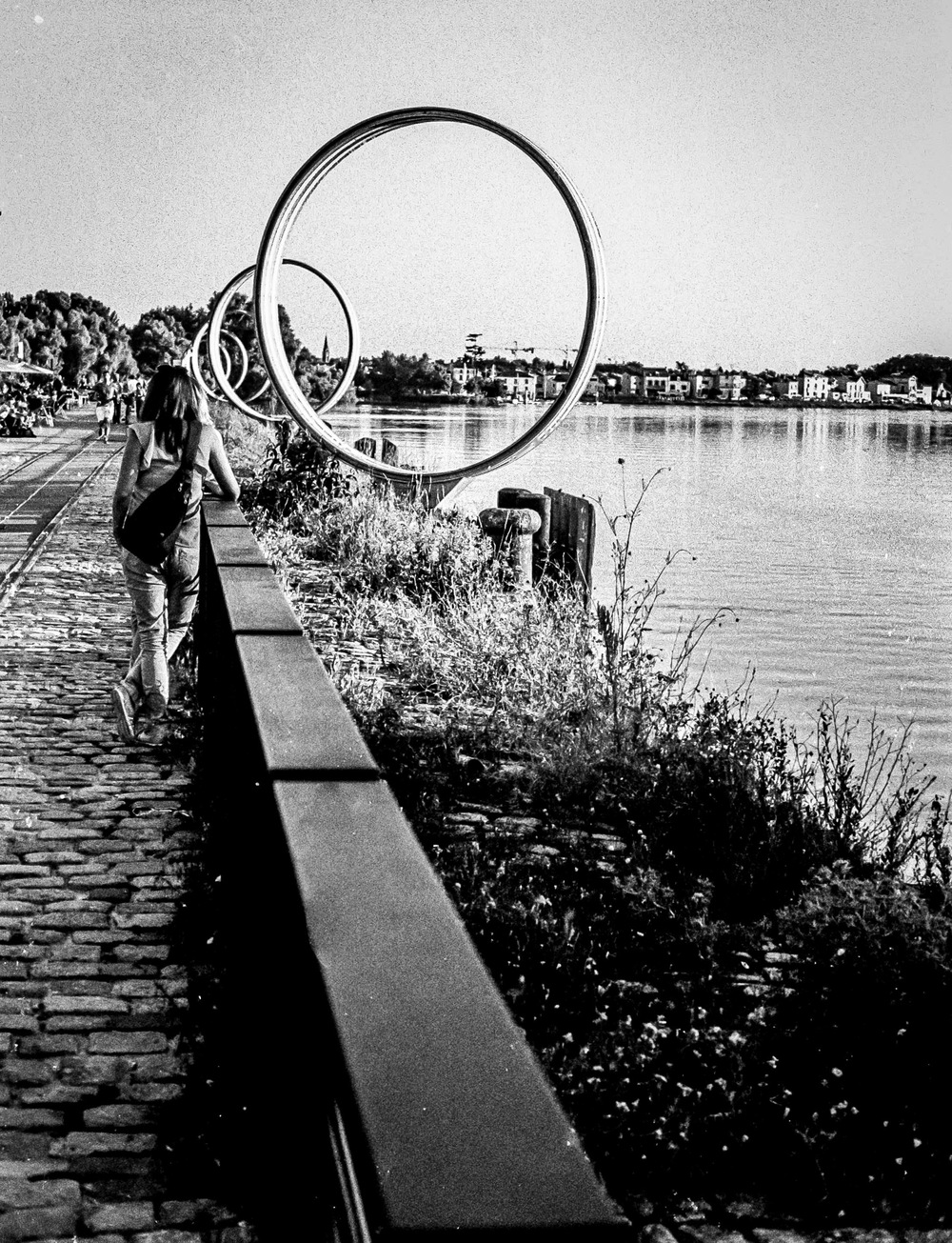
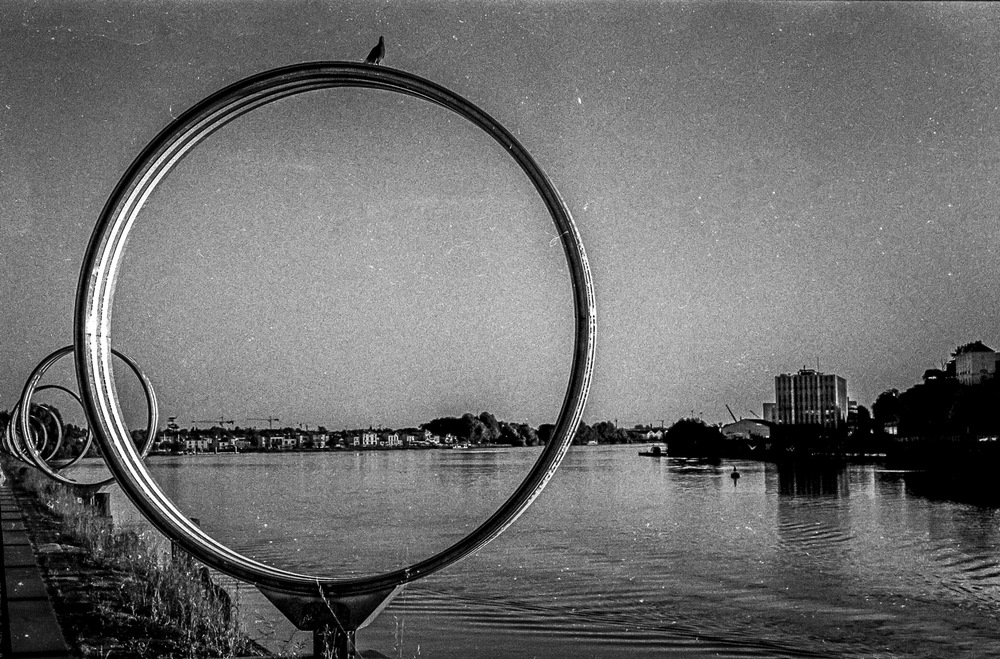
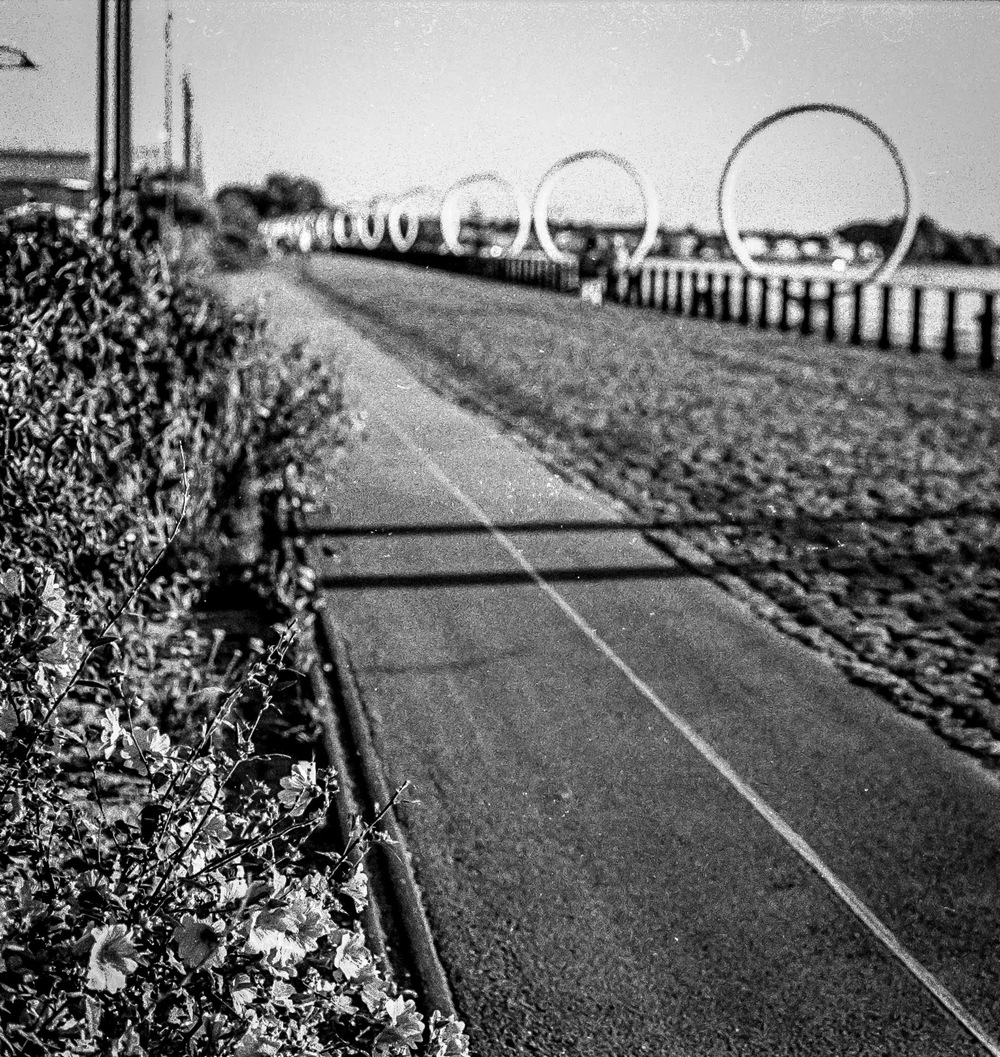
And these are the half frame images from the Pen EE S… with the editing done in Photoshop using the neural filters to get rid of the scratches on the film.

So what do you think? Worth taking?

The Opening of the Film Archives – Kate July 2016


I am a father.  I am the father of a son, and have been for the last 25 years.  I am a father.  I am the father of a daughter, and have been for the last 14 years.  I am a father.  More traditional than modern, but definitely a doting and loving father of both children.  I am a photographer.  Both children have had multiple photos taken of them over the years.  However, the subject of bedtimes has always been contentious.  They say you have to be rigid and follow an established routine.  They say that for the good of the children you have to respect this routine to the letter.   They are obviously not parents.  They are obviously completely disconnected from reality.  They obviously have their heads buried so far up where the sun don’t shine.

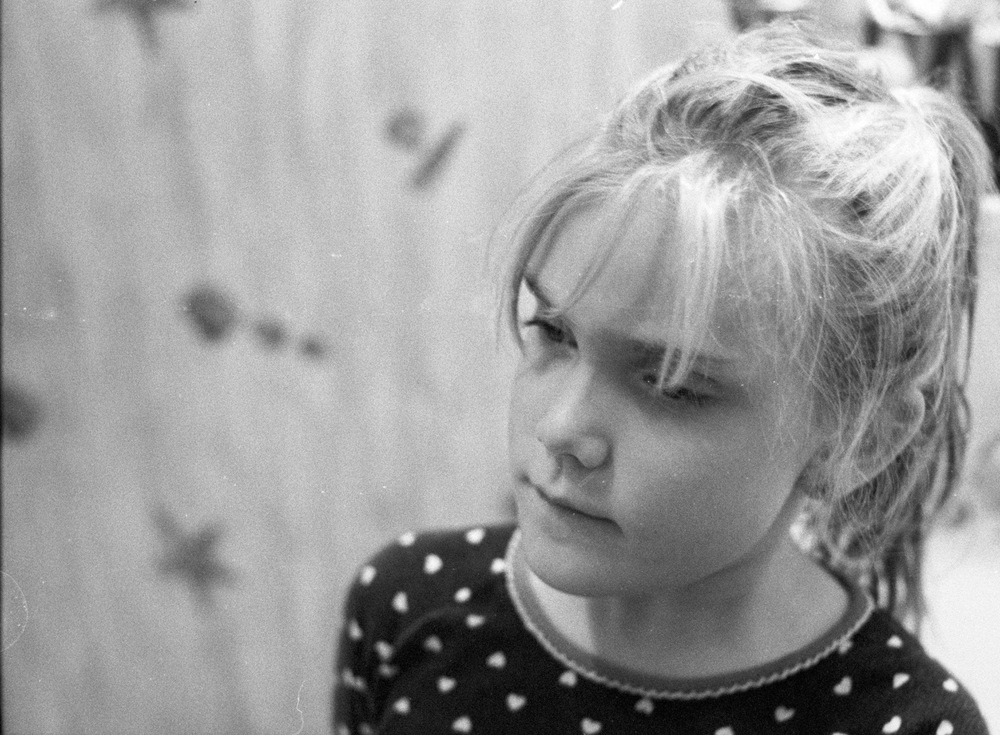
As a father, I’ve learned the importance of picking your battles, especially when it comes to bedtime routines. This particular night, with my 7-year-old daughter wide awake, a fight wasn’t the answer. So, I grabbed my Praktica MTL3, loaded some HP5 pushed to 1600, and turned a potential meltdown into an improvised photoshoot. We ended up in the bathroom – because teeth brushing was still non-negotiable – but the resulting photos captured a moment of pure magic.

Let’s talk about technical details: the Praktica MTL3 is the model that I learnt my craft on.  It’s solid.  It’s fully manual, and gets the job done admirably.  The lens is an F1.8 Pentacon 50mm, with a lovely depth of field.  I pushed the HP5 to 1600 to be able to take advantage of all the available light.  

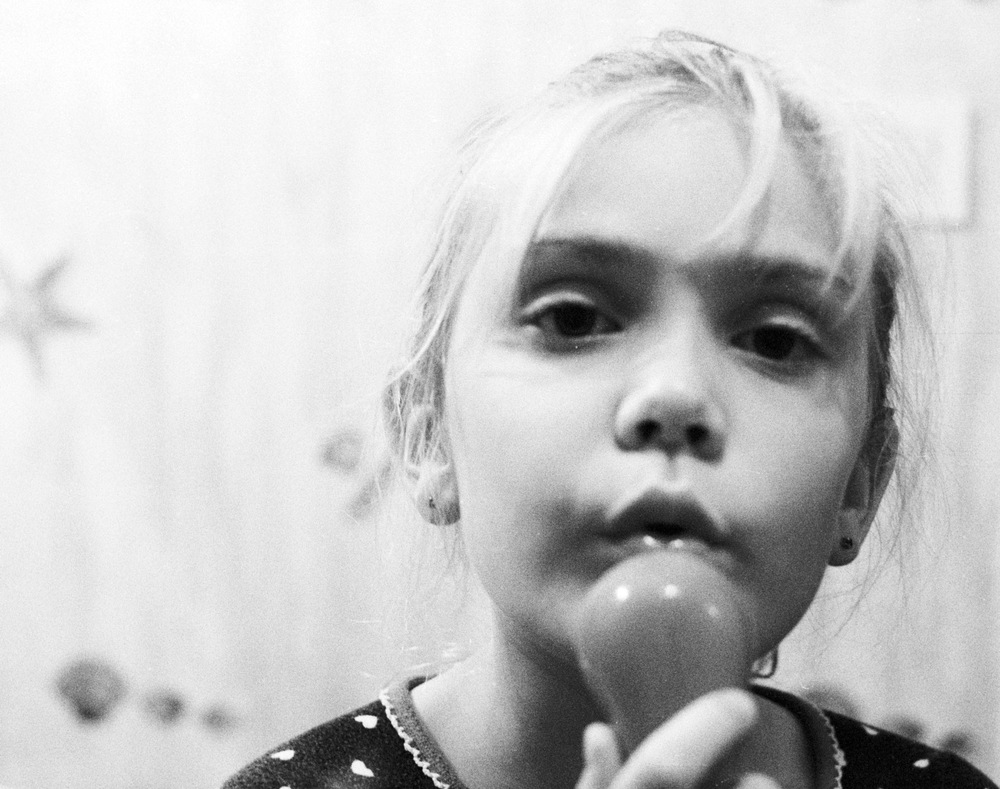
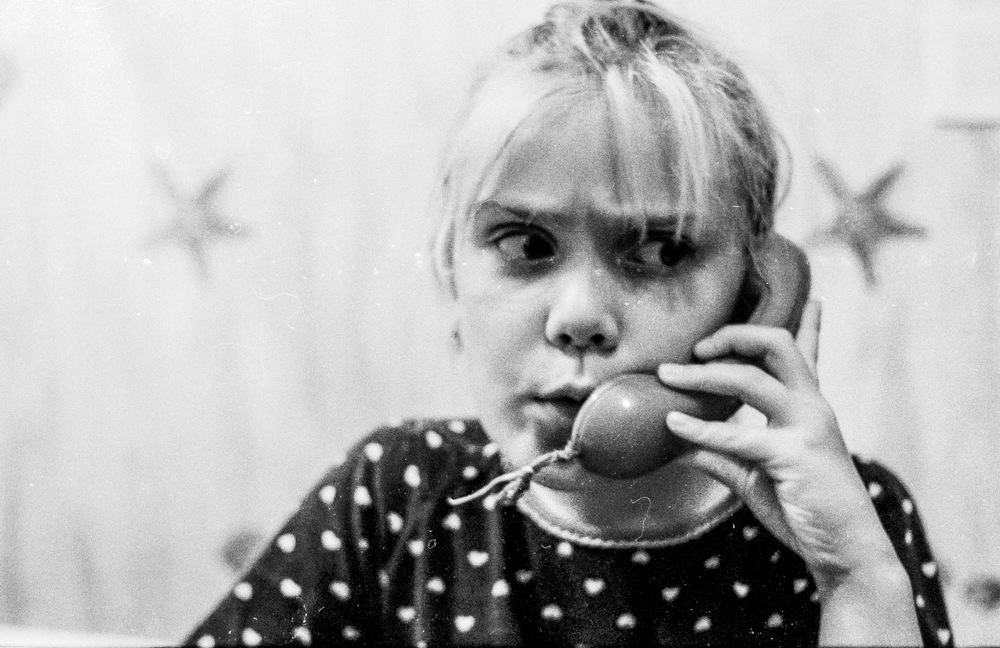
Kate posed for me and thoroughly enjoyed herself.  Teeth brushing.  Calling somebody very important on the Fisher Price telephone.  And pulling a face to tell me off.  Some things just don’t change…

Photography is not the technique or the camera, or worse still, the settings used.  It’s about capturing that “Kodak moment” albeit with Ilford HP5.  It’s about the shared memories.  It’s about the nostalgia of looking back on family life that can never be recaptured.  It might seem mundane to you, but to me it’s priceless.  And looking back at these family photos, it just reminds me how much I love both my children, and am fortunate enough to have captured these fleeting instants.

The UK Chronicles – Preface


Off to the UK

Good Evening, Dear Reader. You might not be able to feel the same excitement and trepidation as me, but I can assure you it’s palpable. I’m not talking about the Olympics, or the opening ceremony, which was very, very French. I’m talking about my upcoming annual leave. I will be going home to the UK for 10 days. I will be going home. Home is where the heart is, and as my mate David Frank once reminded me, you can take the boy out of Hull, but not the Hull out of the boy. How right he is. Even after 30 years of living in a foreign country, and despite having become somewhat “continental,” the UK is, and always will be, home.

Heading Home: Embracing Nostalgia and Anticipation

The physical preparations are not underway yet, but the mental ones certainly are. We will be driving up to Calais from the Vendée. It is a drive that over the years has become vaguely familiar, and I have the images in my mind of the various stops along the way, and the signs that I will be looking out for. My wife is a professional driver, and I will be relegated to helping out when she becomes tired and needs a rest.

The Road to the North: Familiar Drives and Service Station Delights

I don’t know about you, but when I’m in my car, I’m in a familiar environment, and it feels a little like having a part of my home with me. The controls for driving are second nature, and I don’t have to think. As I have mentioned, I am a creature of habit, and despite not being alone whilst driving, and the possibility of a mad screaming harpie, I mean wife, sitting next to me, I’m still looking forward to the trip. For the first time in 4 ½ years, my son will be coming with us, so I’ll have some masculine back-up and will feel less dominated by my daughter and wife.

We will have a stopover in Dover, and take the now familiar road up to Northumberland to see my parents. I’m actually looking forward to the service stations in the UK, especially one near Peterborough, that has a kind of Food Court, which includes Marks and Spencer. I’m looking forward to biting down onto a prawn cocktail sandwich, and a Wensleydale and carrot chutney sandwich. I know it’s not the “gastronomie” that the French might talk about, but to me, it’s about the nostalgia of the thing. It’s part of coming home.

Home Away from Home: Comfort in the Driver’s Seat

But, I hear you say, Dear Reader, you haven’t talked about cameras or photography yet? And you would be right. Thank you for allowing my little trip to nostalgia land. So, let’s talk about cameras for this trip. There is, of course, the X100F, that is the travel photographer’s camera par excellence. It’s compact, it works, and gets the job done. It’s what I will probably be using nearly 80% of the time. The 35mm F2.0 lens has me covered for nearly all situations, and if I take the telephoto conversion lens, then I’ll be even more covered.

Capturing Northumberland’s Beauty: Gear and Location Plans

Do I already have plans for where to take photos? Mayyyybe…

I have already a largish selection of photos of the village of Alnmouth, that you should be able to find on this site, either by using the search bar, or looking at the tag list at the bottom of every article. But, believe it or not, Northumberland is not just about Alnmouth. I know. Mind blowing.

I would like to get some shots of Dunstanborough Castle (for which I might even have to take my Canon 6D Mark II and various lenses, but I’m not sure about that yet), Beadnell, Seahouses, the Farne Islands, Holy Island, Craster, Bambourgh Castle. There’ll be beaches, islands, birds, seals, boats, and harbours. I even thought of going down by Amble and maybe stopping off in Walkworth.

That might mean a Canon bag, with lenses and filters, and possibly even a tripod. Decisions, decisions. Do I need more room in the car, and will the family gang up on me if I take more photography kit with me? There is a difference in volume and weight, of course.

Weathering the Storm (Or Not): Temperature Contrasts and Photographic Possibilities

I suppose it all depends on the weather. One tends not to visit the UK for the great weather. Here in my little corner of France, it’s supposed to be getting up to 36°C today. Not in Northumberland, though. I’m expecting 20°C and maybe lows of 14°C. Much more comfortable, and almost human.

Conclusion

So “home is where the heart is” is still something that resonates with me.  Thirty years a foreigner, and yet as a lot of us immigrants, we’ll never be completely at home in our adopted country, we are condemned to never feel fully at home in our home country.  We will be “continental”.  Our very essence has changed. The nostalgia for a past that has moved on since we left is another of our penances.  Maybe that’s why I do so much black and white photography; a way of trying to capture this bygone time.

The Opening of the Film Archives – Le Hangar à Bananes July 2016


Continuing our journey through the film archives, we find ourselves on the Île de Nantes, home to the iconic Hangar à Bananes. Let’s rewind to July 2016, when I captured this vibrant scene with my then favourite Canon AE1. Once a shipbuilding powerhouse, Nantes had cleverly repurposed its abandoned infrastructure into a bustling hub. The area is now home to the fantastical Machines de l’Île, the historic Chantiers Navals, the towering Grue Jaune, and of course, the Hangar à Bananes itself. Back then, the Hangar was a hive of activity, buzzing with picnics, impromptu barbecues, and lazy afternoons under the summer sun.

My goal was to capture that unmistakable “Summer Vibe.” As always, I started with the architecture, drawn to its striking modern lines, a refreshing departure from the stark brutalism of the 1970s. The clever use of texture and the innovative design of the apartment buildings particularly caught my eye.

That summer, the Voyage à Nantes festival had a brilliant idea: communal barbecues for everyone. Genius, right? You simply brought your food, and they provided the grills, charcoal, tables, and chairs. It might not be Texas, but the French know their way around a barbecue, and being the food lovers they are, they go beyond the usual sausages and burgers. It was a true testament to what a public space should be – a place for everyone to gather, share, and simply enjoy themselves.

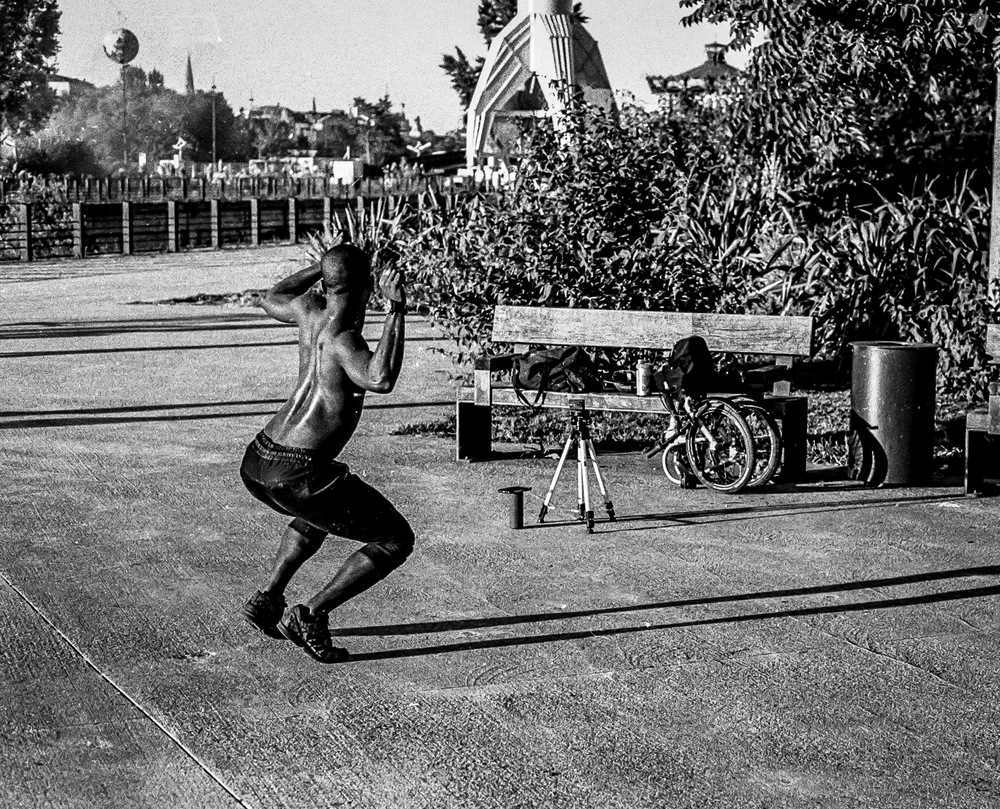
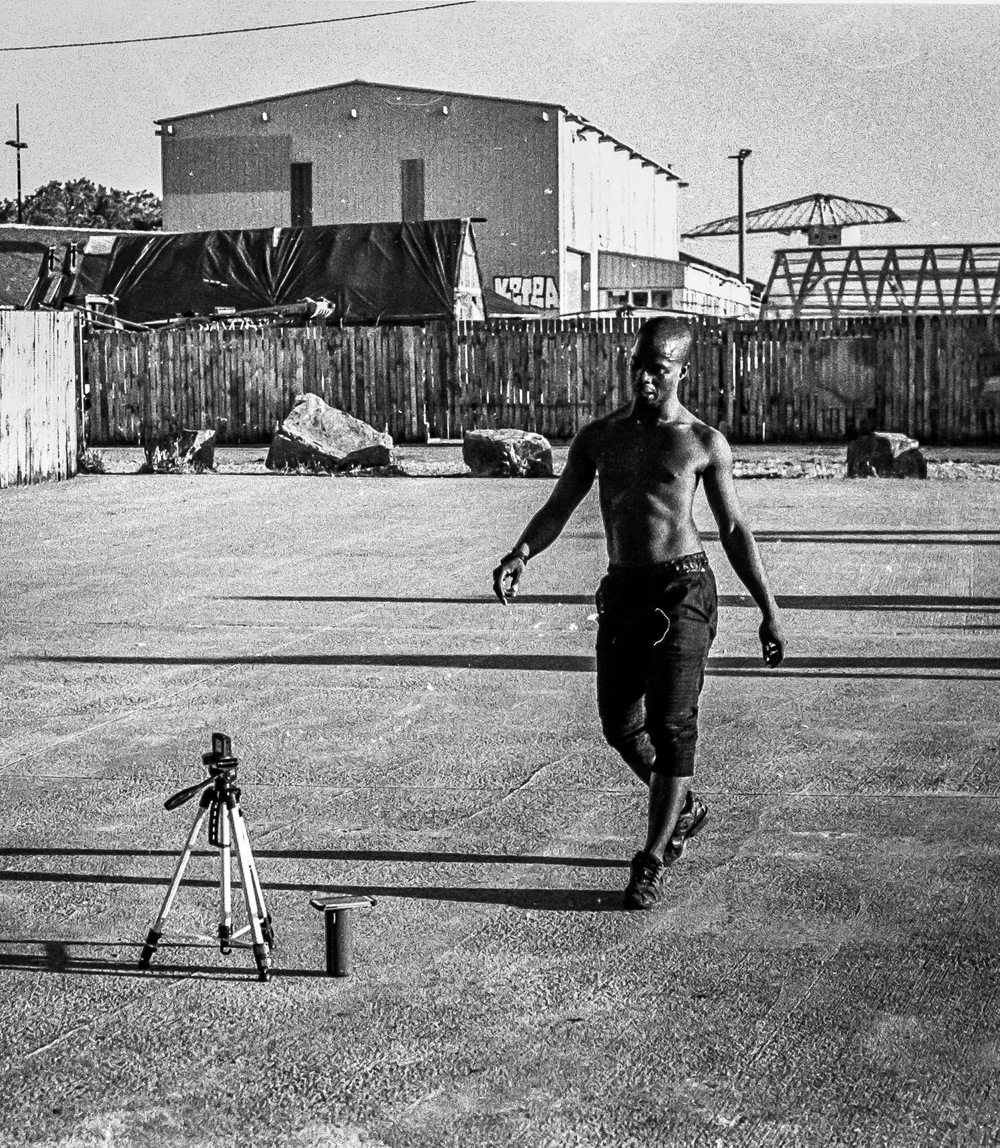
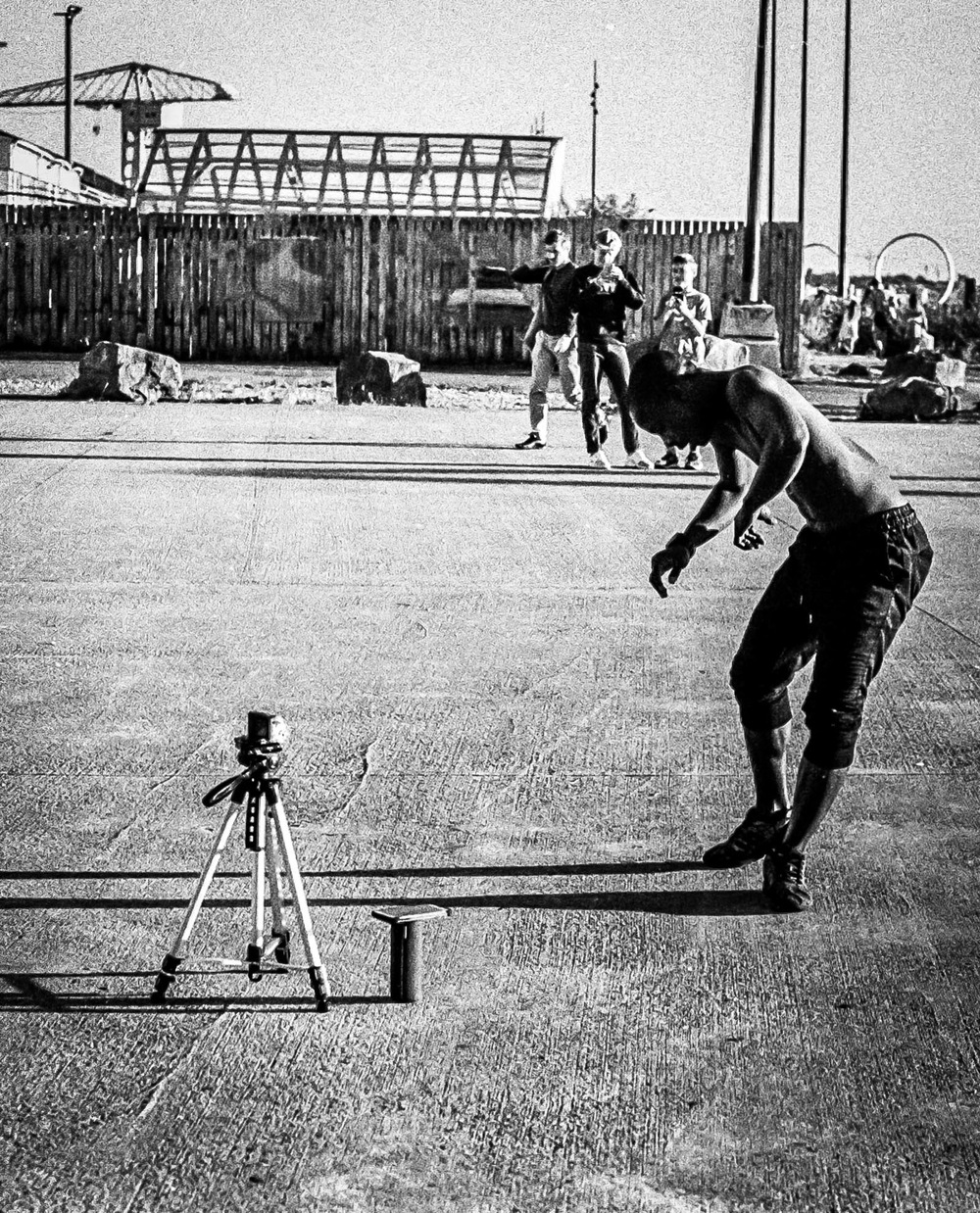
Then there was the dancer. He was just filming himself with a GoPro, but the way the sunlight caught his movements and the glistening sweat on his skin was mesmerising. It was a fleeting moment, the first and only time I’ve ever photographed a dancer, but it left a lasting impression. There’s something undeniably captivating about the human body in motion.

My wanderings continued to the edge of the island, where the mighty Grue Jaune – now a “monument historique” and a symbol of Nantes – stands tall. Walking past and through this enormous yellow crane was an awe-inspiring experience.

Along the riverfront, the Anneaux de Buren, a series of massive rings, stretched out in a mesmerizing pattern. At night, they transform into a dazzling display of vibrant reds, blues, and greens – a photographer’s dream, offering endless possibilities for capturing leading lines, geometric shapes, and unique framings of the cityscape.

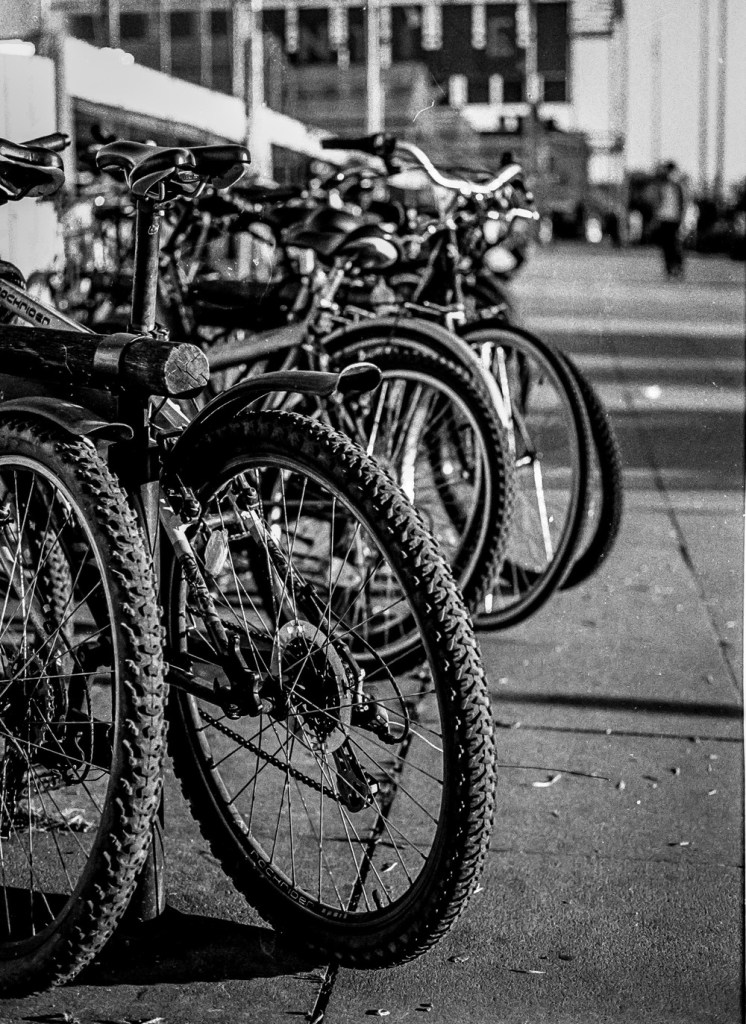
And of course, no photo series of mine would be complete without the obligatory bike shot. It’s a bit of a tradition for me.

Even now, in 2024, the Hangar à Bananes still exudes that same “Summer Vibe.” It remains a popular spot for after-work drinks with friends and colleagues, boasting a variety of restaurants, bars, the HAB Gallery, and the infamous “Warehouse.” While the area can get a bit dicey later at night, it’s perfectly safe and enjoyable for a daytime visit or an early evening soirée.

Optimizing Images On-the-Go: Mobile Photography Editing Guide


Introduction

As the title suggests, I will describe my workflow when out and about. While there are surely other ways to do it, this is my method. It works and has stood the test of time. I usually wander around taking photos, then find a café to sit down and transfer my images to my phone. Everything is better with a nice cup of tea (or coffee) and a piece of cake.

Downloading Photos to Your Phone

Most cameras today can connect to phones via Bluetooth or Wi-Fi. My two Fujis (X100F and XT2) and my Canon (6D Mark II) certainly can. I enable Wi-Fi on my camera and connect it directly to my phone. Next, I open the corresponding app—Canon Camera Connect for my Canon and Fujifilm Camera Remote for my Fujis. Each manufacturer provides its own app for Android or Apple devices. Once the camera is connected to my phone, I can import my photographs, selecting the images I prefer.

Sorting Photos

Now comes the fun bit: sorting through all those wonderful shots you took and deciding which ones are worth working on and editing. When I transfer my images from my camera to my phone, the phone creates a folder for the imported photos. Different apps will put them in different places, so I’ll leave that to you to manage. As a rule of thumb, you will see them in the gallery app, which will show you your latest photos.

In the gallery app, you can sort your photos by date taken, favourite images, or the place where the photo was taken.

I will assume you have read my last few articles on Photography 101, composition, and the types of lenses available and how to use them, or at least how I use them. If you haven’t had that pleasure, then go and have a read…

Is the photo worthy of publication, and are you happy with it representing your talent as a photographer? Is the image in focus? Is the image well exposed? Does it fulfil its storytelling role? Will it add to your narrative? Or simply, do you like it enough to want to share it?

Let’s assume that you answered yes. You then get to share your image to Snapseed.

Editing in Snapseed

Starting with Styles:

I like to begin by using the “Portrait” style. It is a preset that gives the photo a subtle glow and some vignette. I just seem to like it, and when you have something you like that flatters your image, you are tempted to stick with it. Most times, this will work a treat on well-exposed images. But let’s imagine that you have exposed for the highlights and that your shadows are “too dark” and you want to bring them up a bit. Then I would go to the “Tools” section and use the Tune Image.

En aparté:

When exposing in digital photography, we expose for the highlights, as it is easy to lighten, or “bring up” the shadows, and we don’t want to “blow out” our highlights and just turn it into a mass of white. In film photography, it’s the opposite. We expose for the shadows, as film has more difficulties capturing details in the shadows especially in a photo with lots of light.

Using the Tools

As I inferred in the title, this is my workflow, and shows the way I use Snapseed. There’s a whole load of tools to stylise your image and to completely change the look of it, but I’m more of a “less is more” disciple when editing. Also most apps out there will have similar tools, so you can carry this knowledge with you across the board.

Crop Tool:

One thing I learnt early one is to KISS, i.e. Keep it simple stupid. Sometimes I will have an element in my photo that distracts from my subject. With the crop tool I can just crop the image and make it disappear. I can also use the crop tool to format the image to fit certain social media post settings. I’m thinking about you Instagram and Facebook. Try searching google for social medi formats and you will be inundated with results.

Healing Tool:

Sometimes the crop isn’t enough to take away distracting elements from our photo. You might have a beautiful shy and want to get rid of that Jumbo Jet in the sky. One way of doing that is to wait until the Jumbo Jet has flown away, but let’s say that it’s too late… Using the healing tool will clone part of the image and replace the Jumbo Jet that just wants to noticed and validated man! To get the best results it’s better to zoom into the image and have a smaller area to work on.

Tune Image:

This is where I do the basic edits, bringing up the shadows or bringing down the highlights. I usually keep it to that. At a push, I will bring up the brightness if the photo has been underexposed. Somtimes I will add a little contrast but I tend not to use the other tools. I don’t want to denautre the photograph.

Rotate Tool:

We should always try and keep our horizons straight, except when making the conscious decision not to. The rotation tool tries to straighten what it thinks should be straight. It generally works quite well, but you do have total control as well as a grid to check the lines in your photo.

Brush Tool:

This is where we can do our burning and dodging. You can choose to highlight a certain area and darken others to emphasise your subject. This brings the photo to life. There are tutorials galore on YouTube that go into more detail than I will in this “basics” article.

Black and White Tool:

Welcome to the world of black and white conversion. It’s a process that a majority of my photography goes through. You can, of course, just use the saturation tool in the “Tune Image” section, and you will get a monochrome image. But you can do so much more.

So, let’s do so much more. The black and white tool offers you some presets which might correspond to your taste. I tend to leave them alone and instead press on the circle that will give a series of colour filters to choose from. This is a direct link back to black and white film photography, and you know how much I love that. I love using the red filter, which, as in film photography, will make your blues darker. This is beautiful for those landscape photos where you want a dark sky to complement those fluffy white clouds.  It’s also my default film simulation on the X100F that I use for all my street photography.  It’s just a look that I fell in love with years ago.
The other common filters are all covered too.

  • Orange:  Orange filters give stronger effects than  yellow filters but are not as bold and dramatic as a red. It is therefore an ideal choice to span the effects given by both these filters.  Blue skies will be recorded in very dark tones on the print, giving bold contrast between the sky and clouds. An orange filter will also penetrate haze and fog. Most flowers will be recorded with a significant difference in tone from the surrounding foliage giving impact and effect.
  • Yellow, the general purpose black and white filter,
  • Green:  When photographing foliage in black and white, a green filter is used almost exclusively.  It lightens green foliage, which is particularly important with dark green leaves which can record very dark without a filter. It therefore gives a more natural, lighter feel to the photograph.
  • Blue: A blue filter is not often associated with black & white photography however, it can really add “mood” to a photograph by increasing the effect of haze or fog.  It also lightens blues and darkens yellows, oranges and reds which helps separation in scenes containing a mix of colours.

Export

You have two options.  You can either press on “done” and Snapseed will record your image in the Snapseed folder and in your gallery in the Album neamed Snapseed, or you you can press “share “and you will be presented with various options on how to share your image, to Instagram, via gmail etc.

Before you do that you can press on settings where you can change the resolution of the image that will be exported.  This can help if you need to reduce the image to take up less space on your phone, or if you’re loading the photo up to a website and you require a “lighter” image.

Conclusion

You now have an idea about how I edit my images on the go, and the more time goes on, the more I do it this way.  Is it the same as Lightroom on my computer?  No.  I can’t have as much control as in Lightroom. I can’t batch edit, I can’t do this or that, but I can manage without, especially on the go.  There are of course other options for photo editing on the go like Lightroom mobile,VSCO, your native photo editor app on your phone.  As I said at the beginning of the article this is how “I” do things.  It works for me.  Try it out and it might just work for you too!

The Opening of the Film Archives – Clisson May 2016


Introduction

Welcome back to the film archives.  Today I’m going to share some photos of the first reel from my “new” Canon AE1.  Well, not new, but certainly new to me.  The Canon AE1s were produced between 1976 and 1984.  It is one of those iconic cameras and at the time I must have paid about 50€.  When I say iconic, I really mean iconic.  It is a shutter speed priority camera using Canon’s FD lenses. I used it an awful lot that summer.  I liked it so much that I even bought a second one that I ended up giving to a photographer friend. 

Colour

To some people of my generation they represent their first cameras, and were so popular.  Talking of popular, the photographs from this part of the archive are from the very popular and photogenic town, Clisson.  Also you will have noticed that the photos are in colour.  Which only goes to show that not all film photography is black and white photography.

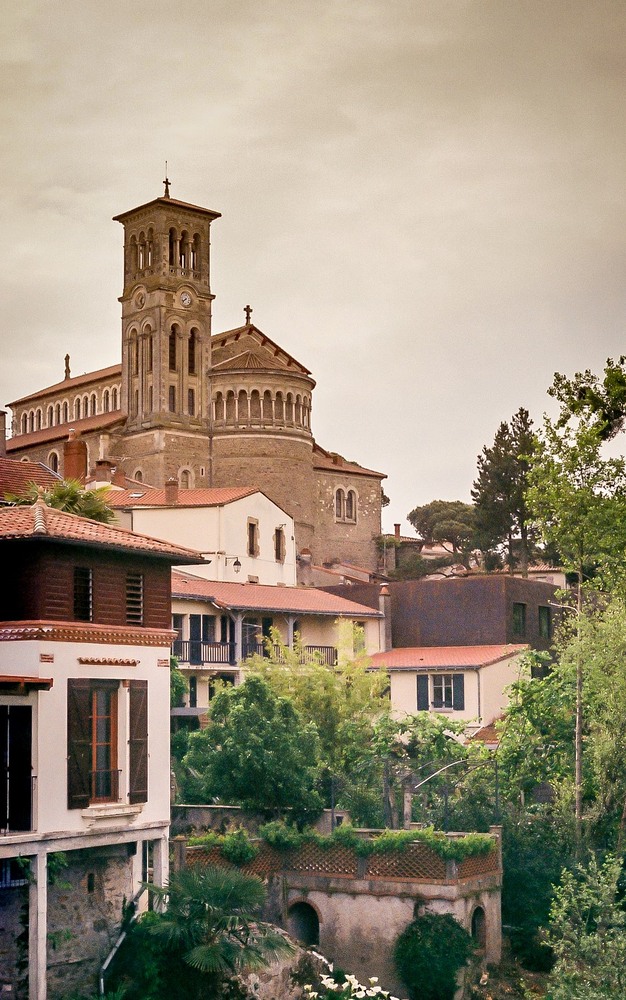
Clisson, as you can see in the photos, is one of those beautiful French villages that oozes Gallic charm.  It also exudes a certain Italian charm, and is known for its Italian style architecture.  

Canon AE1

I have both a Canon AE1 and AEI Program. The AE1 is the big brother of the AE1 Program, and doesn’t have a program mode, but as you can see from the photos it still works a treat.

FeatureCanon AE-1Canon AE-1 ProgramDifferences
Release Year19761981AE-1 Program released 5 years after AE-1
Exposure ModesShutter Priority AEShutter Priority AE, Program AEProgram AE added to AE-1 Program
MeteringCenter-weighted AverageCenter-weighted AverageNo difference
Shutter Speeds2s – 1/1000s2s – 1/1000sNo difference
Viewfinder DisplayLEDsLEDsNo difference
Film Speed SettingManualManualNo difference
Self-timerYesYesNo difference
Depth of Field PreviewYesYesNo difference
Motor Drive CompatibilityYesYesNo difference
Other NotesFirst Canon SLR with microprocessor; revolutionary for its timeSimplified controls for easier use; appealed to wider audienceAE-1 Program aimed at beginners and enthusiasts
As you can see there’s not a huge differece between the two. The major difference being the Program option, and the other allowing for easier changing of the ASA film sensitivity setting.

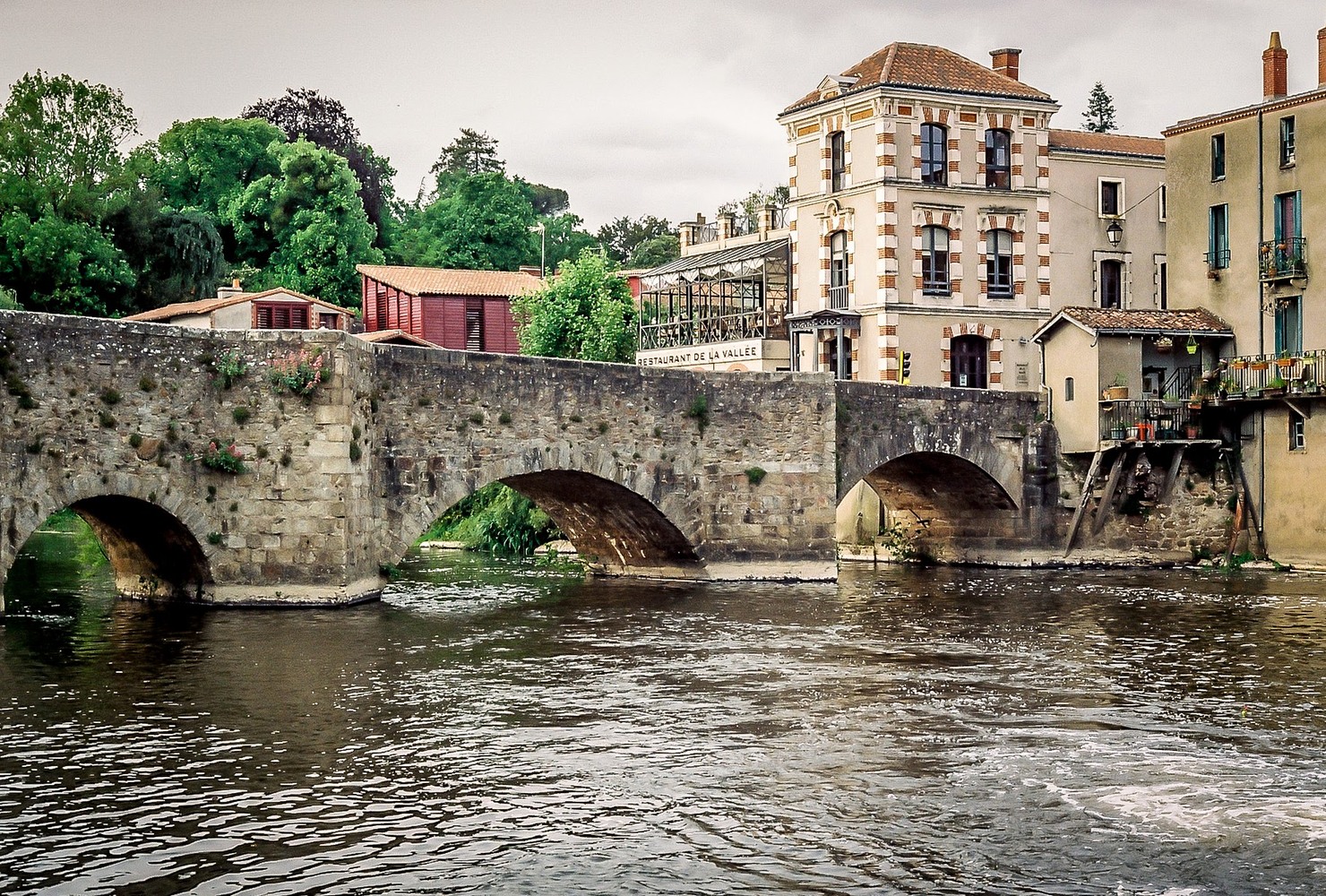
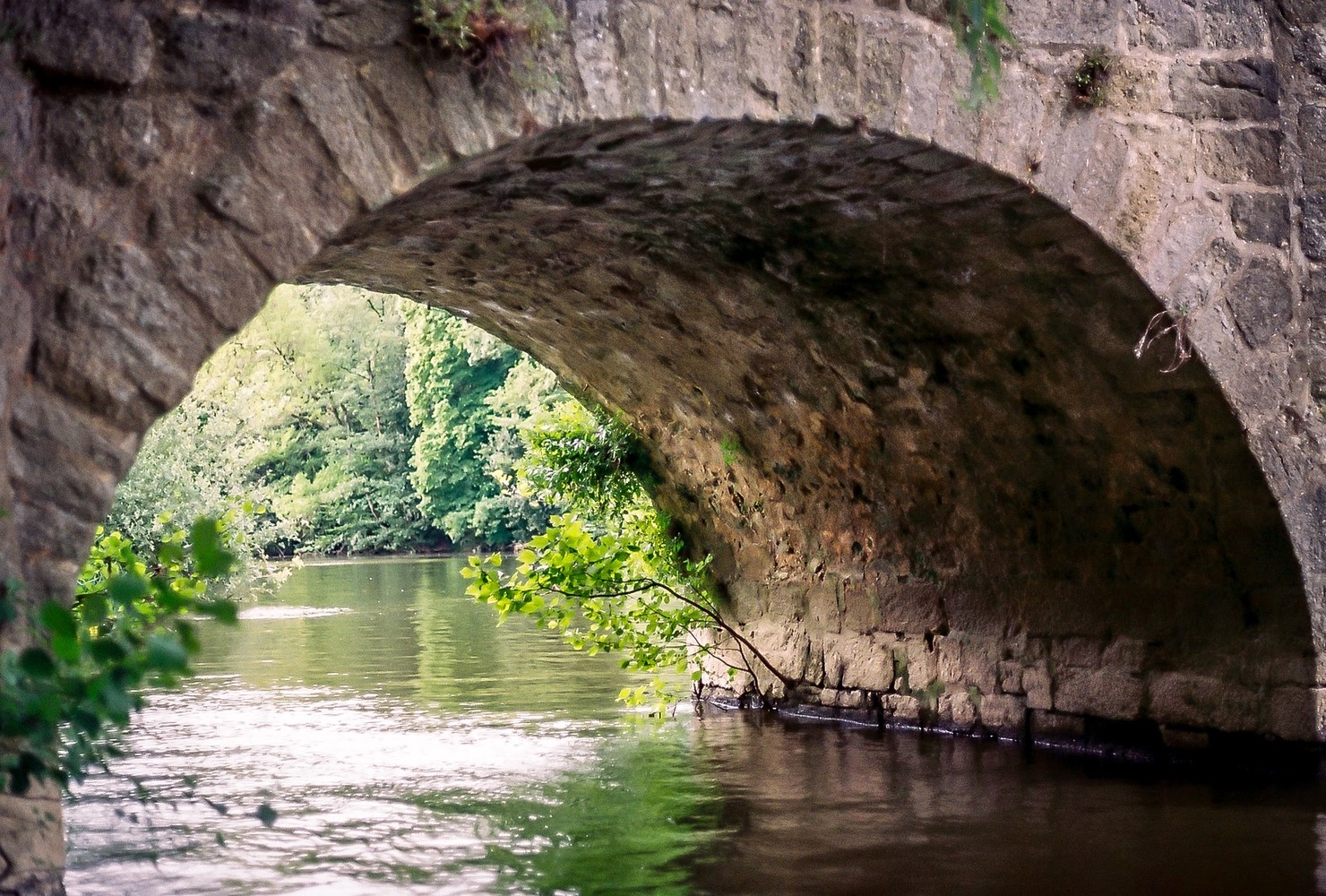
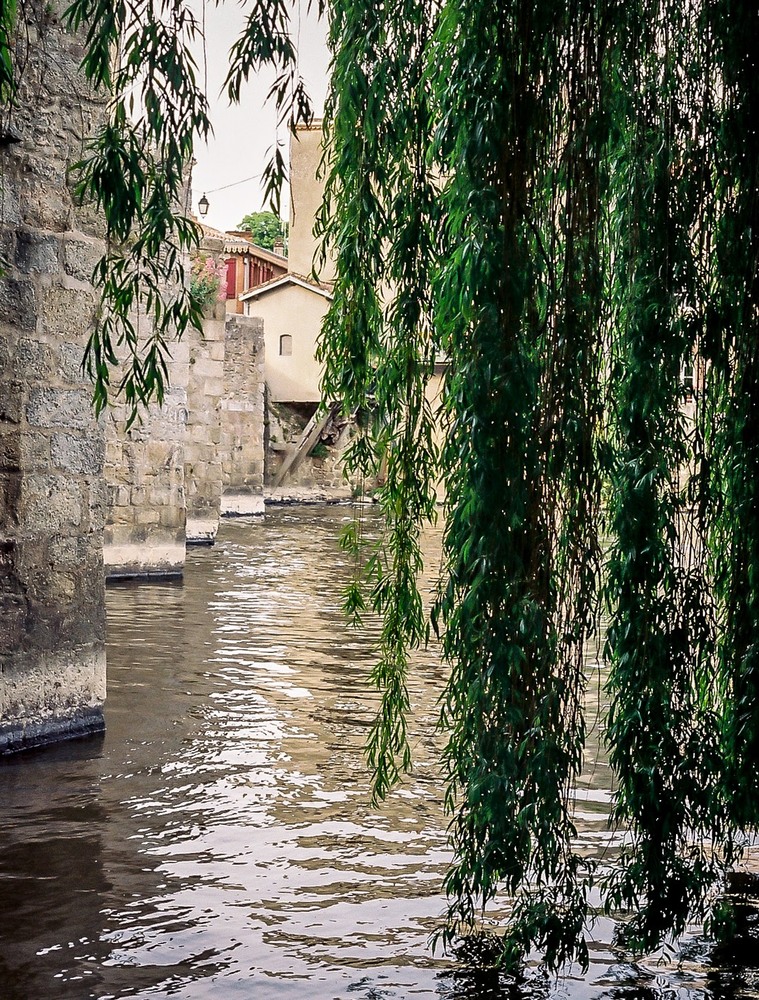
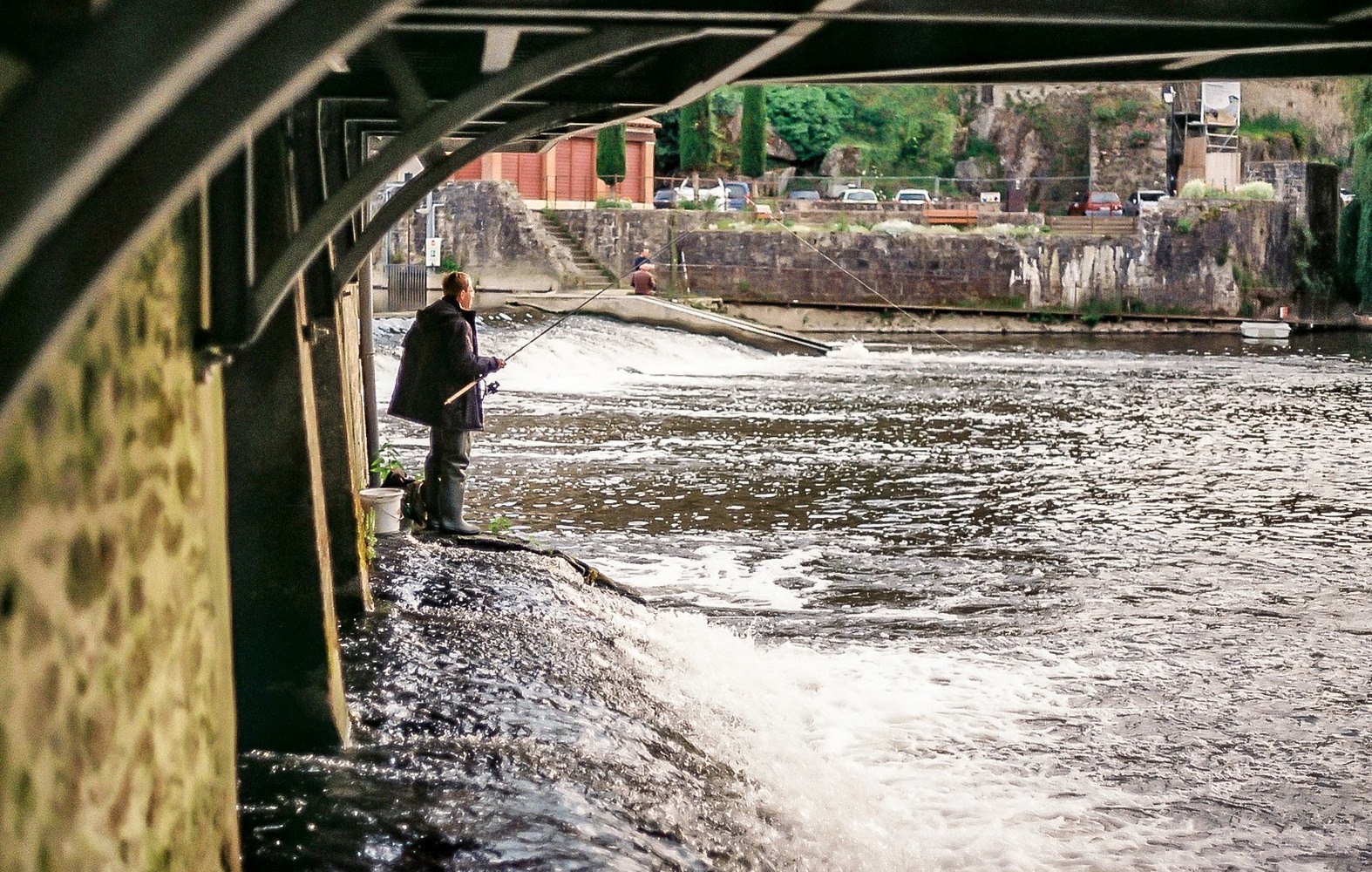
On the day in question I must have parked just next to the river and concentrated on this picturesque  area.  You can see the castle, the bridge, and the river, all making for a peaceful spring moment.

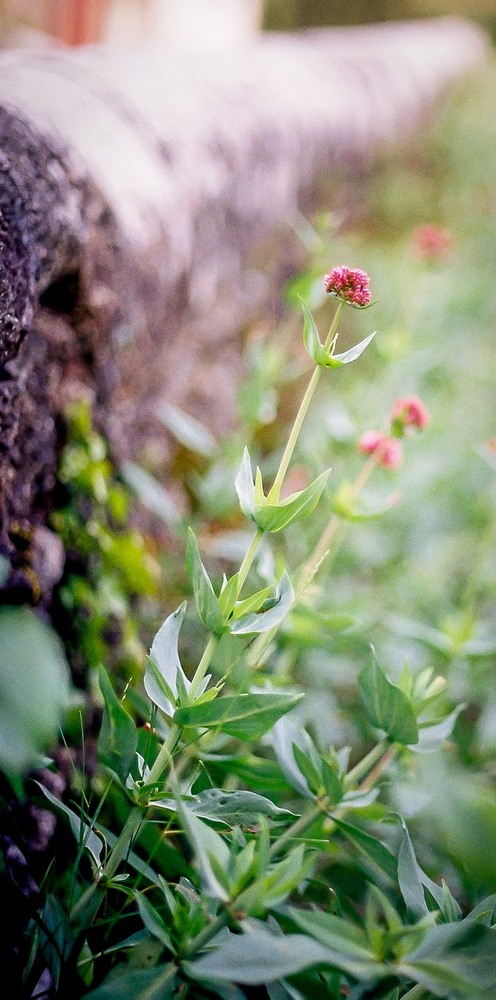
I think the film was Fuji Superia, and I just wanted to use colour.  Thetones are slightly muted and warm, and the flowers, trees and plants were just screaming out to be photographed.  I remember the excitement of loading the film into this “new” camera, and the novelty of simply using an iconic camera.

Here is what fuji tells us about the film:

FUJICOLOR SUPERIA X-TRA400

An all-round general purpose, high-performance, high speed color negative film delivering truly fine-grain. Superb for snapshots or action, in low light with flash, outdoors or indoors. Ideal for general use with compact zoom lens cameras.

  • Excellent skin tones
    For beautiful, clear people-shots.
  • Fine grain
    Great results even when enlarged.
  • High-speed
    Superb results, whatever the shooting conditions.
  • Sensitivity and Film Sizes
    ISO : 400
    Film Sizes : 135 : 36 exp.

 When using digital, it’s so difficult to get that particular film look, and using film and an older camera just changes your whole outlook.  The fact of not having your image straight away leaves you with that anticipation that we all used to feel when we sent off our films to the lab.

Give film a try.  There are still cheap film cameras out there, and your photography experience will be totally different.  I certainly appreciate it.