
Let’s talk about two of my favorite cameras—the Fujifilm X100F and the Pentax ME Super. While these cameras belong to entirely different eras of photography, they share a surprising similarity in size and portability. I’ve used both extensively, and today, I want to compare their unique qualities without turning it into a clichéd “film vs. digital” debate.
Photography enthusiasts often find themselves in one of two camps: those who champion the convenience and immediacy of digital, and the purists who swear by the timelessness of film. But if you’ve followed this blog for a while, you’ll know I don’t see things that way. Instead, I value what each format brings to the table, and more importantly, how both contribute to the experience of photography.
A Tale of Two Cameras
For me, photography is more than just the final image—it’s about the journey of capturing it. Any Lomography fan will agree: the process is as important as the outcome. When I shoot with the Fujifilm X100F, I appreciate the immediate feedback of seeing the image on the screen and knowing right away what I’ve captured. But with the Pentax ME Super, it’s a different experience. I have a rough idea of what the film will deliver, but the magic isn’t fully revealed until the film is developed. That anticipation is part of the charm.
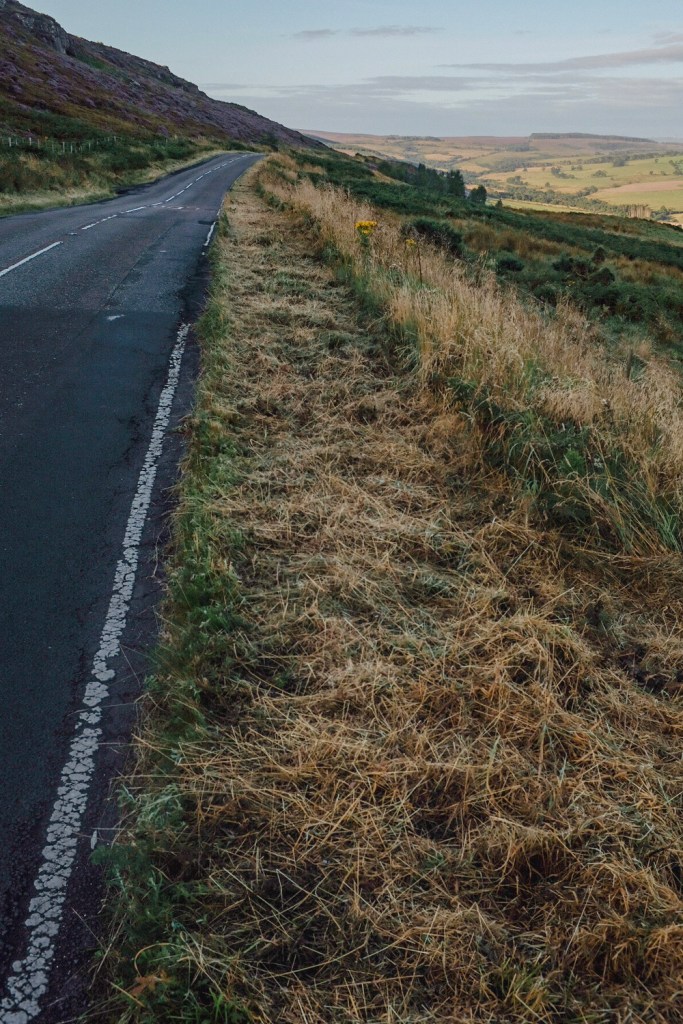
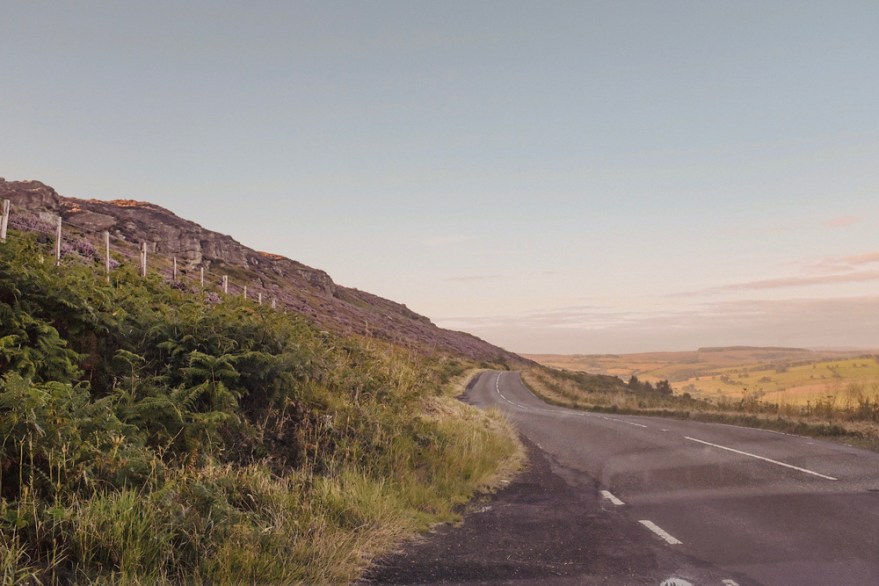
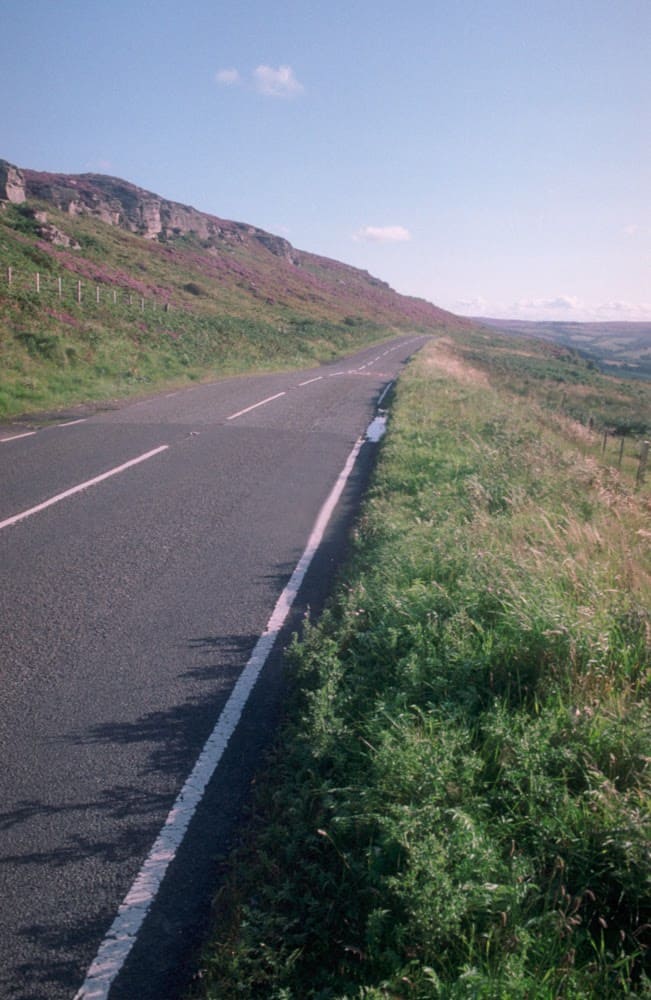
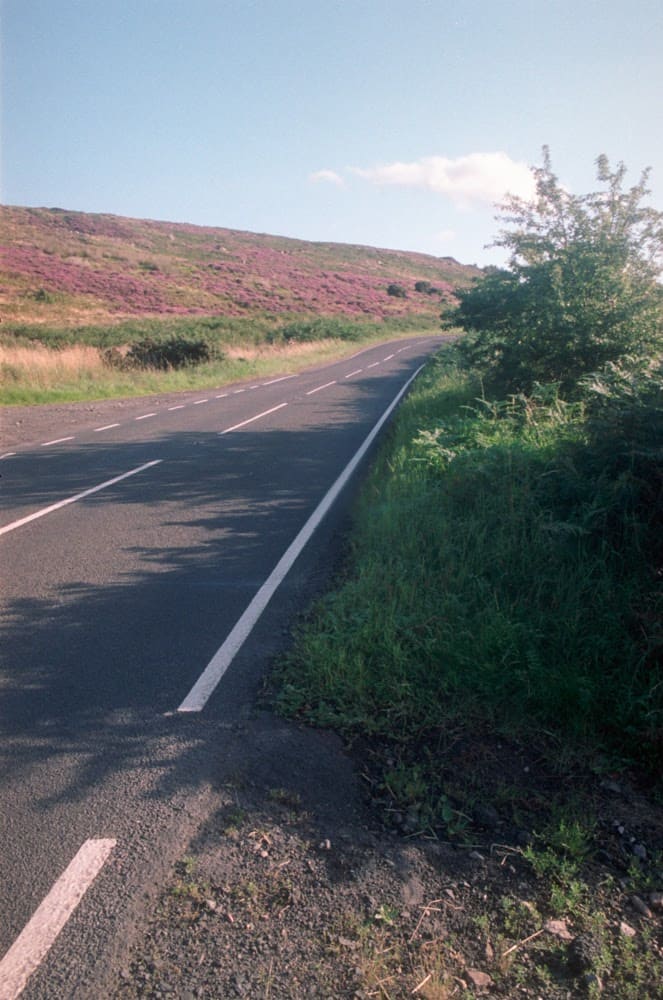
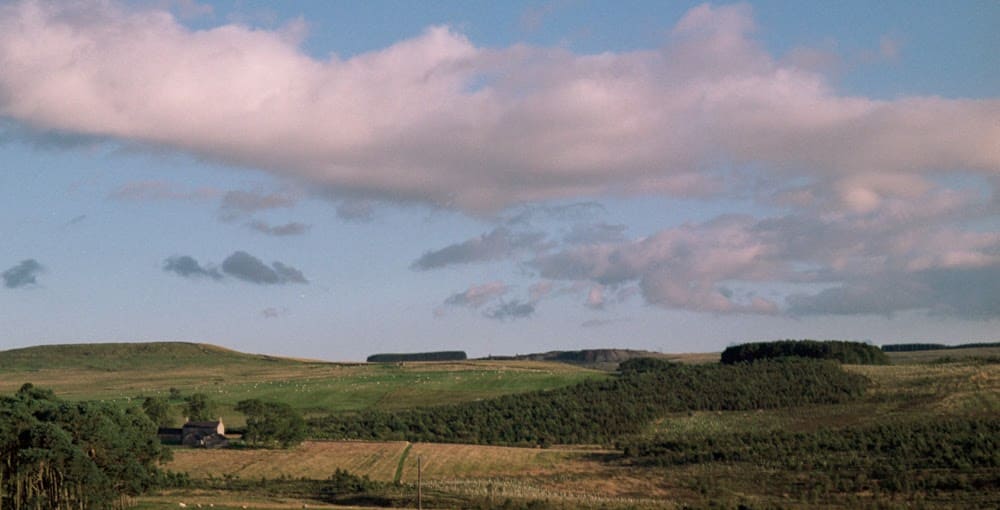
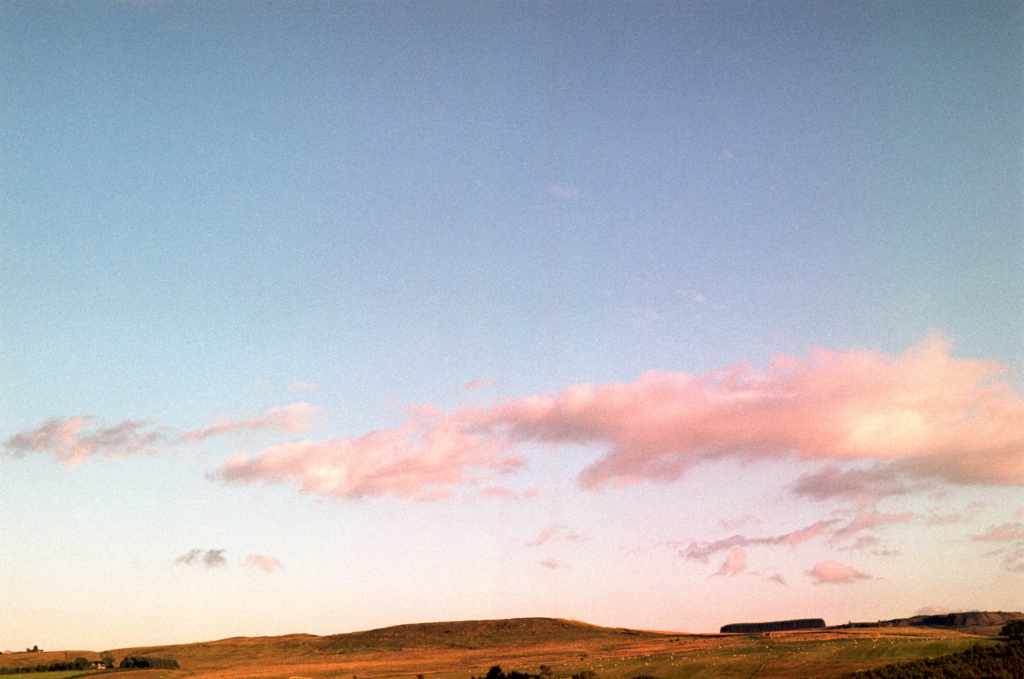
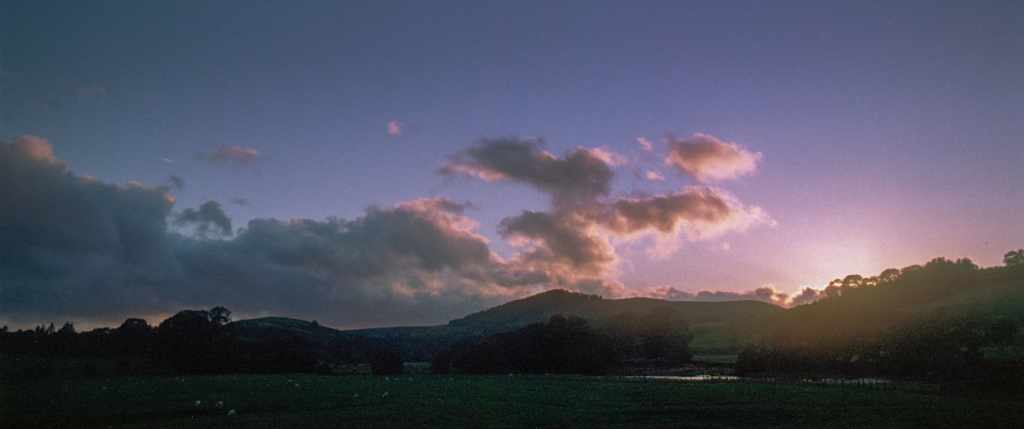
For this comparison, I’ve chosen photographs from Northumberland. Its moody, windswept landscapes—places like Alnmouth and the Northumbrian moors—present the perfect canvas for both film and digital. The X100F’s Classic Chrome simulation delivers a retro, muted look, while Kodak Portra 160 film, shot through the Pentax, brings warmth and richness to the tones.
The Fujifilm X100F
he X100F has often been called a bridge between the analogue and digital worlds, and I tend to agree. It’s packed with modern features like autofocus and an electronic viewfinder (EVF), but the controls are refreshingly tactile, with dedicated dials for aperture, shutter speed, and ISO. For anyone with a background in film photography, this setup feels familiar and intuitive.
What sets the X100F apart for me, though, is its Classic Chrome film simulation. It offers a subdued color palette that echoes old film stock, perfect when I want a slightly desaturated, vintage aesthetic. Unlike some over-the-top digital filters, Classic Chrome feels organic and subtle—bringing out details in the shadows without overwhelming the shot with contrast.
The X100F Photos



The Pentax ME Super
On the other hand, the Pentax ME Super is all about slowing down. There’s no EVF, no digital screen, and definitely no autofocus. Instead, you rely on a split-prism focusing system and aperture-priority mode. It forces you to be deliberate with each shot, a process that I find incredibly satisfying.
You’ll often hear film photographers talk about being more “in the moment” when shooting on film, and that’s exactly how I feel with the ME Super. The process of carefully composing each shot, setting exposure manually, and waiting for the film to be developed encourages patience and thoughtfulness.
For this outing, I paired the ME Super with Kodak Portra 160, a film that’s become known for its natural skin tones and soft, warm colors. Paired with the 50mm f/1.7 lens, this combination creates images with that unmistakable film character—shallow depth of field, soft highlights, and rich colors.
Lenses and Sensor Size
One of the most noticeable technical differences between these two cameras is their lenses and sensor sizes. The X100F features a 35mm equivalent f/2.0 fixed lens, while I usually use the 50mm f/1.7 on the Pentax. On the sensor front, the X100F has an APS-C crop sensor, giving it a narrower field of view compared to the full-frame 35mm film in the Pentax.
This technical difference goes beyond field of view. The Pentax ME Super has fixed ISO based on the film I choose, so I need to plan ahead for the lighting conditions I’ll be working in. In contrast, the X100F allows me to adjust ISO on the fly, providing flexibility in rapidly changing environments. This is something digital photographers have come to rely on, and it’s undeniably convenient when shooting in variable light.
The Pentax ME Super photos











Comparing the Images
Now, the big question: which is better, the Pentax ME Super or the Fujifilm X100F? Honestly, neither. They’re different tools for different purposes. Whether you’re drawn to the organic feel of film or the convenience of digital, both formats offer something unique. And that’s the beauty of photography—there’s no one-size-fits-all approach.
The sideshow feature shots from both cameras. As you look at them, you might favour one look over the other. The film shots have a warmth and texture that digital sometimes struggles to replicate, while the digital photos are sharp, detailed, and offer instant gratification. But ultimately, this comes down to personal preference, not a matter of one being objectively better.
Final Thoughts
At the end of the day, a camera is just a tool for capturing a scene in a particular way. As long as the final image is pleasing to the eye, I’d say the job is done. So don’t limit yourself to just one format—if you haven’t tried shooting film, give it a go. If you’re a film photographer who’s hesitant to try digital, maybe the X100F will ease that transition with its analogue-like feel.
More than anything, I encourage you to enjoy the process, whether it’s with film, digital, or both. Get out there, take your time, and remember that photography isn’t just about the images you capture—it’s about the experience.
Post Scriptum:
For those of you new to my blog, welcome! I cover everything from camera reviews to photography tips and techniques. Whether you’re a seasoned photographer or just starting out, there’s something here for you. Feel free to leave your thoughts or questions in the comments below—I’d love to hear from you!











 IJM Photography