

INTRODUCTION
Twenty-two years ago, I was fired from the job that took me away from Paris to the French countryside where I now live. In hindsight, it was one of the best things that ever happened to me. Sometimes we need that shove beyond our control to nudge us in a different direction.
At the time, I was already into this new thing called the internet that was becoming more and more mainstream. I wanted to learn all I could before my children would teach me. So, I learnt. I even trained to be an “infographiste,” which is similar to a webmaster, now known as a web developer.
AN ENGLISHMAN IN VENDÉE
I learned how to use QuarkXpress, Indesign, Dreamweaver, Photoshop, and Illustrator. I also learned how not to be afraid of opening up a computer and getting in there with a screwdriver. I had this amazing idea of creating a website called “An Englishman in Vendée” to showcase outings with my young son around the area. I took photos with a “webcam” which was about the size of a GoPro but compared to what we have twenty years on, was anything but pro. At the time, I dreamt of having portable internet, portable editing software, and a means of sharing those pictures online.
I would have to wait a while. In 2024, I have a Samsung S20 FE and I now have all I need to do that, on the go! I can even transfer the photos from my high-end digital camera to my phone, edit the images on my phone, and publish them either on my website (no longer Geocities) or on social media.
WELCOME TO SNAPSEED
Now I use “Snapseed” for editing my photos, WordPress for writing my articles, and Chat GPT to give my articles structure and a writing plan. All this in a device that fits into my pocket.
So, what is Snapseed? It’s an app that I recommend to anyone who needs to edit pictures on the go. It is available for Android and Apple devices, so you’re all covered. But why Snapseed? Well, it’s free, simple to use, and has all the tools you need for editing. It’s intuitive and comprehensive. I particularly like the Tune Image section, where I find all the tools I use for basic edits in Lightroom on my PC. The Rotate tool helps me check horizons, and the Black and White tool gives me full control over the conversion process.
Snapseed is a non-destructive editing programme (app) that uses your original file, whether RAW or JPEG, and allows you to edit to your heart’s content. Can it do everything Lightroom can? No. Is it trying to? Still no. It adds some nice “style filters” in the tool section that allow you to have fun. The more serious photo editor will probably stick to the basic tools that still allow them to get the results they need “on the go.” I use it during shoots to give sitters an idea of what their shots will look like. These first “draft” images are perfect for sharing on social media.
KEEP IT SIMPLE WITH SNAPSEED
I’ve talked about KISS in the past, and I’m going to mention it today too. KISS – Keep it Simple Stupid! Snapseed is deceivingly simple when you look at the user interface, but it has a range of tools that help you achieve the look you want.
It starts by offering you three basic options: Styles (similar to presets), Tools (where you can fine-tune everything), and Export (where you go to export your edited photo).
STYLES
Styles are essentially presets in other software, and Snapseed offers a variety of styles:
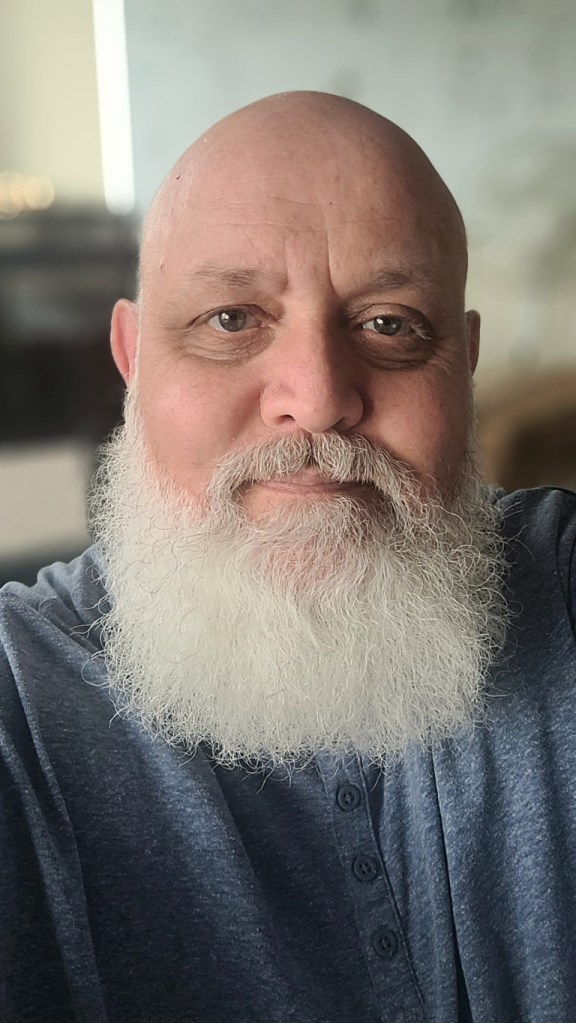


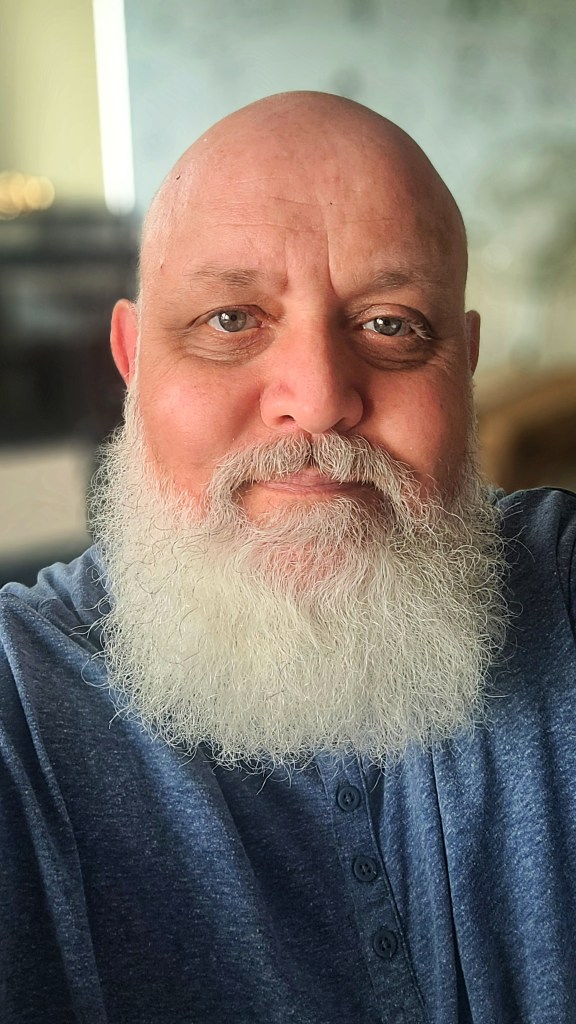

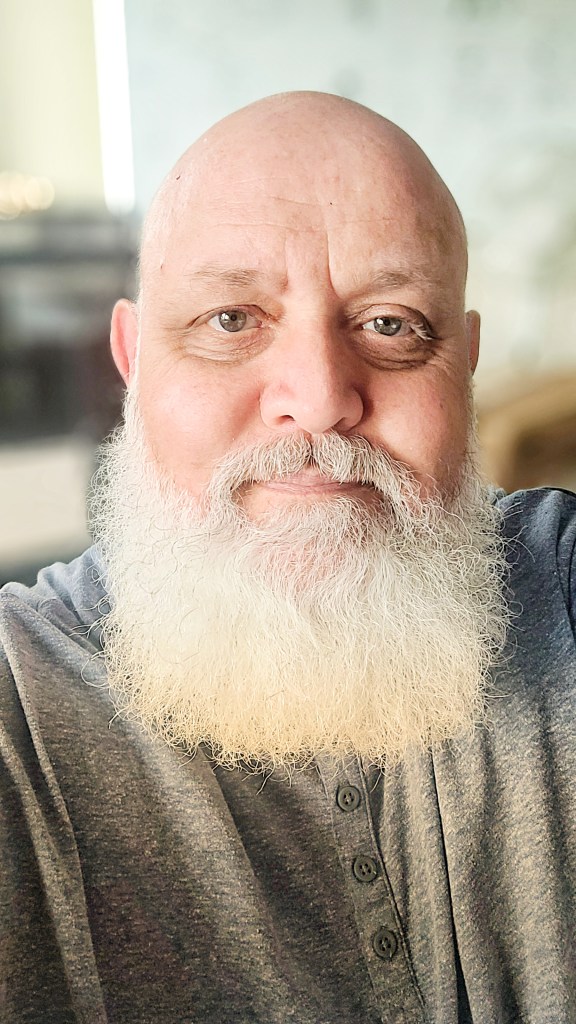

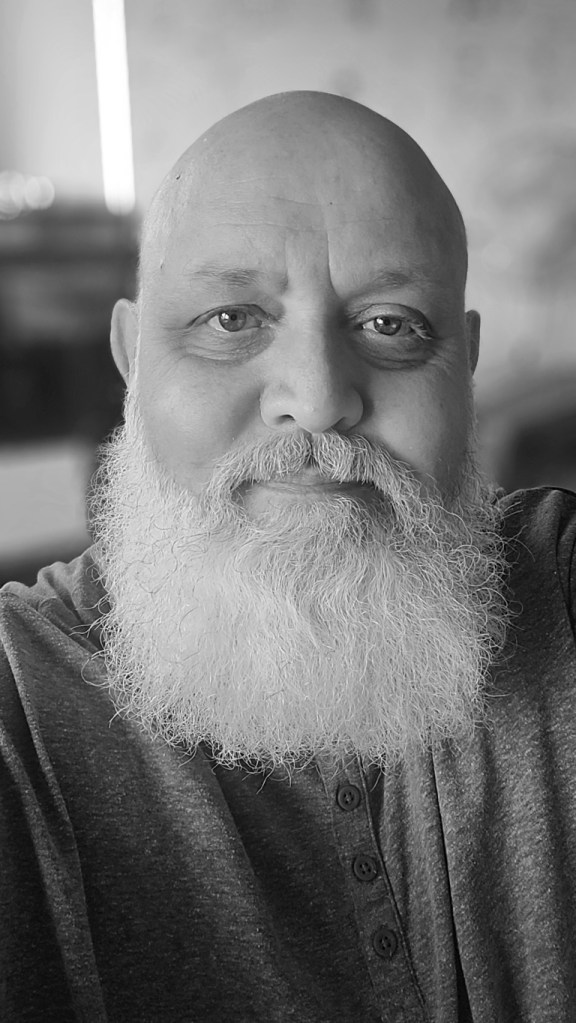

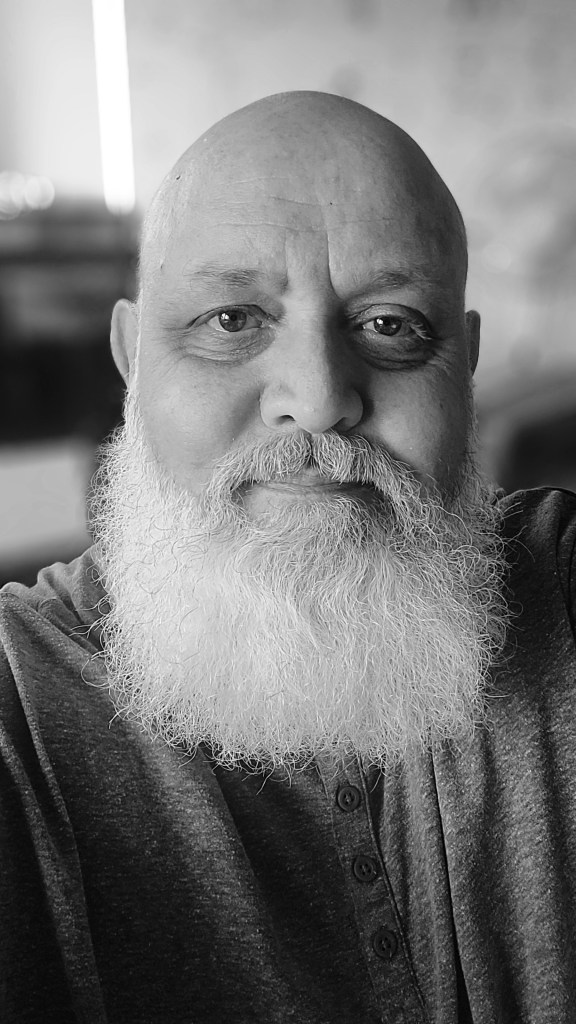

In the next article, we’ll talk about the various tools Snapseed offers to help you edit on the go. I will walk you through my basic editing process, showing you which tools I use and how I use them. Remember the 80/20 rule: 80% of your editing can be done with 20% of the available tools. So be patient, and you will be rewarded for your patience. See you in the next one!
 IJM Photography
Like yourself I also have been using Snapseed for quite some time now Ian and it is a nifty program for doing on the run processing or even just to scroll through some of the presets to see how your image will look. I also love the dodge and burn feature. I am also a self taught computer nerd that built a computer business building IBM clones in 1987. I closed the business down in 2000 when computers got to be so cheap to buy they basically were considered throw aways when they broke. So we are both photography nuts, we both love black and white images, we both immensely enjoy music and we both are self taught computer nerds. I wonder what else we have in common ? If you tell me you are also an audiophile I might just block you as a friend LOL 🤣 I have been an audiophile most of my life and I’m not afraid to say I have the needle in pretty deep.
LikeLiked by 1 person
I actually have a pair of Marshall headphones and a lovely Marshall speaker that connects to the computer and record player. It’s a lovely sound for my jazz vinyl…
LikeLiked by 1 person
Snapseed looks helpful, I’ll check it out. Thanks for sharing!
LikeLiked by 1 person
It’s not perfect and can’t do everything, but it does the basics very well…
LikeLiked by 1 person
Looking sharp 💯
I will check snapseed out
LikeLiked by 1 person
It works!
LikeLike
I’m another Snapseed user. Over 80% of my post processing is done on my tablet using Snapseed, it’s generally all I need.
Regards, Dave
LikeLiked by 1 person
I’ve only brought the X100F with me and all the editing will be done on the phone or tablet. It just simplifies everything… left the computer and Lightroom at home.
LikeLiked by 1 person
My X100T is often my only camera when out and about. Never lets me down
LikeLiked by 1 person
the x100T is a great little camera. And unlike the V amd VI, we already have them, and there’s no waiting lists… just saying…
LikeLiked by 1 person